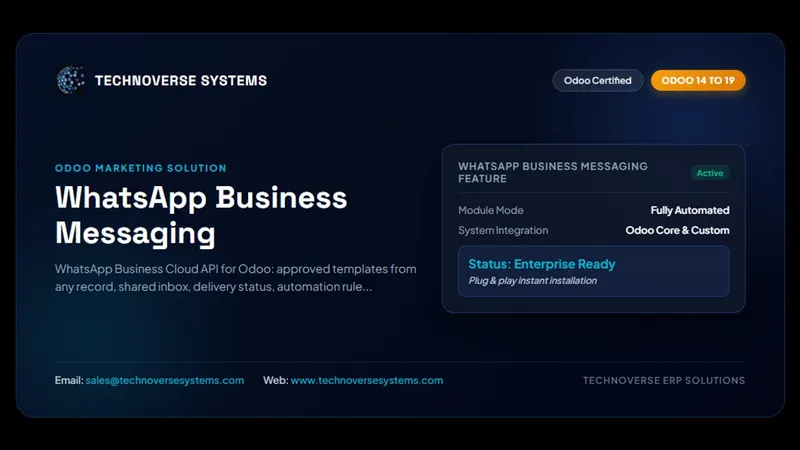
Why WhatsApp in Odoo?
For many businesses WhatsApp is where customers actually reply. Sending quotations, invoices, payment reminders and delivery updates on WhatsApp straight from Odoo means faster answers, and every message stays linked to the customer record.
What you can do
- Use Meta's official WhatsApp Business Cloud API, so your number stays compliant
- Send approved message templates from any Odoo document
- Keep the conversation history on the customer in Odoo
- Add a floating WhatsApp button to your Odoo website so visitors can reach you in one tap
Getting started
- Create a WhatsApp Business account in Meta Business Manager and add your phone number.
- Install WhatsApp Business Messaging on Odoo 19 or 18 and enter your Cloud API credentials.
- Create and submit your message templates for approval.
- Start sending from quotations, invoices and other documents.
Frequently asked questions
Is this the official WhatsApp API?
Yes. It uses the WhatsApp Business Cloud API from Meta, not an unofficial web session.
Do I need Odoo Enterprise?
No. It works on Odoo Community and Enterprise, versions 19 and 18.