1
Official WhatsApp Cloud API
Connect your WhatsApp Business number with Meta's Cloud API, test the connection and receive webhooks with signature checking.
2
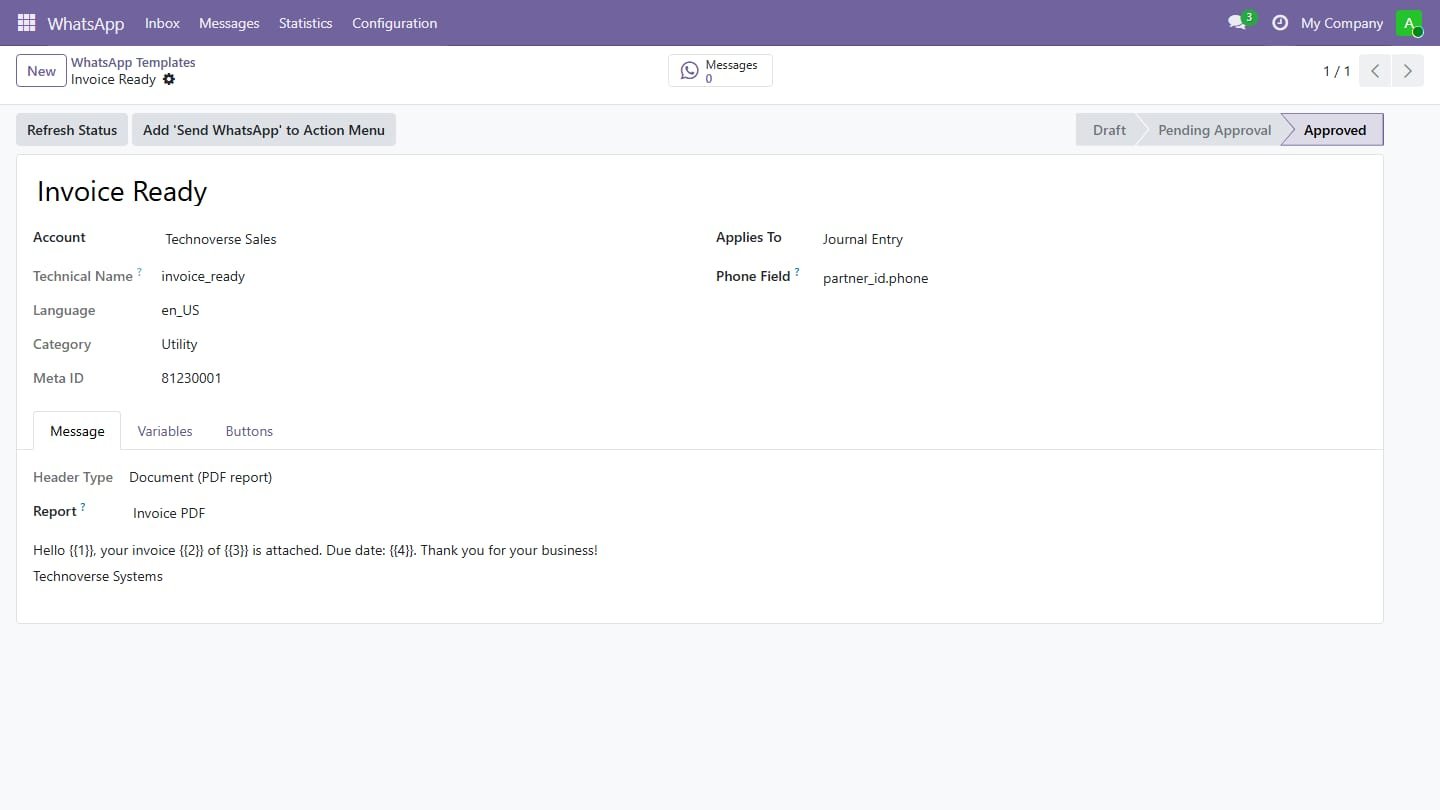
Templates from any document
Invoices, orders, contacts or any model: variables filled from record fields, text, image or PDF-report headers and buttons.
3
Sync and submit to Meta
Import your approved templates from Meta or submit new ones for approval and follow their status.
4
Send, bulk send and queue
Send from the Action menu with a live preview; bulk sends go through a queue that respects your messages-per-minute limit.
5
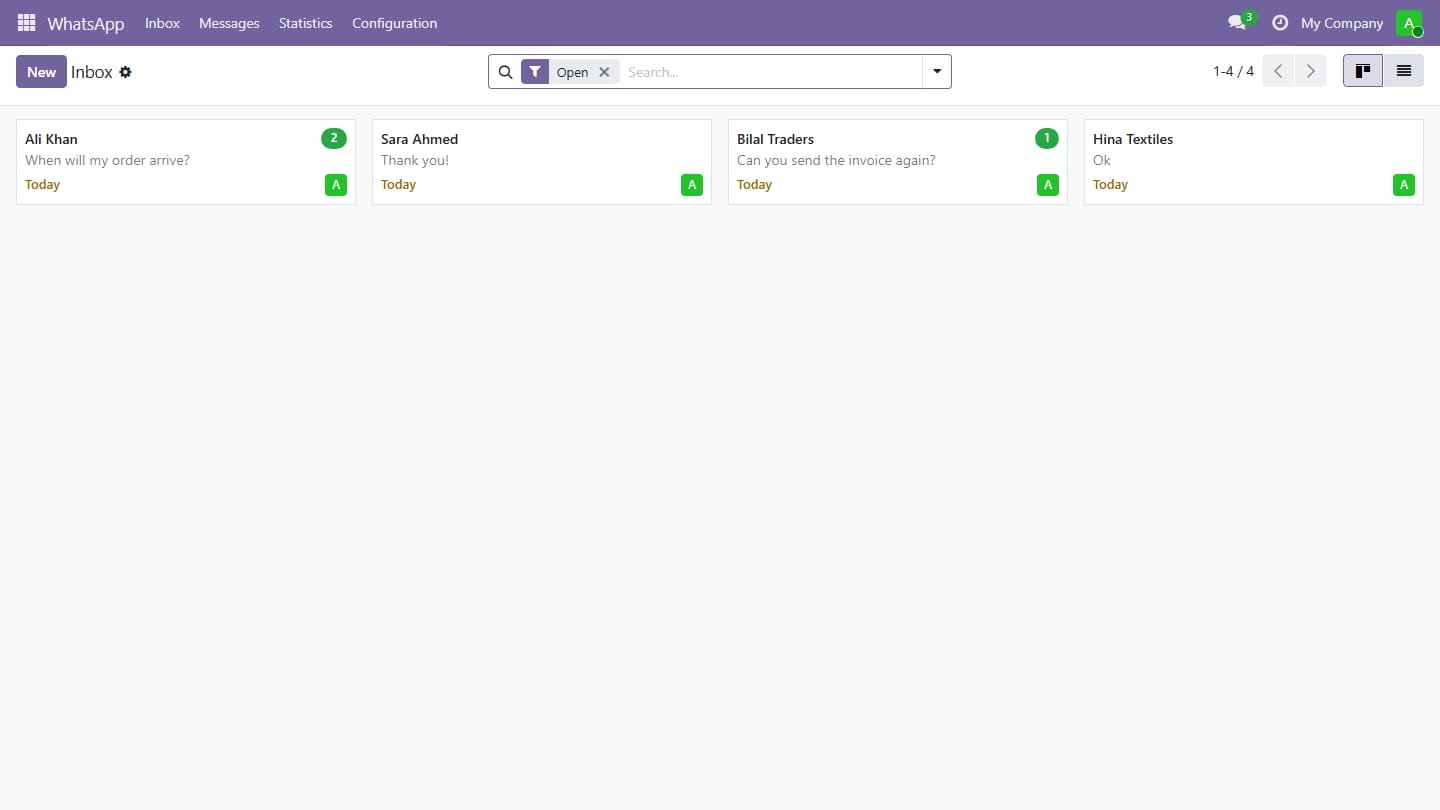
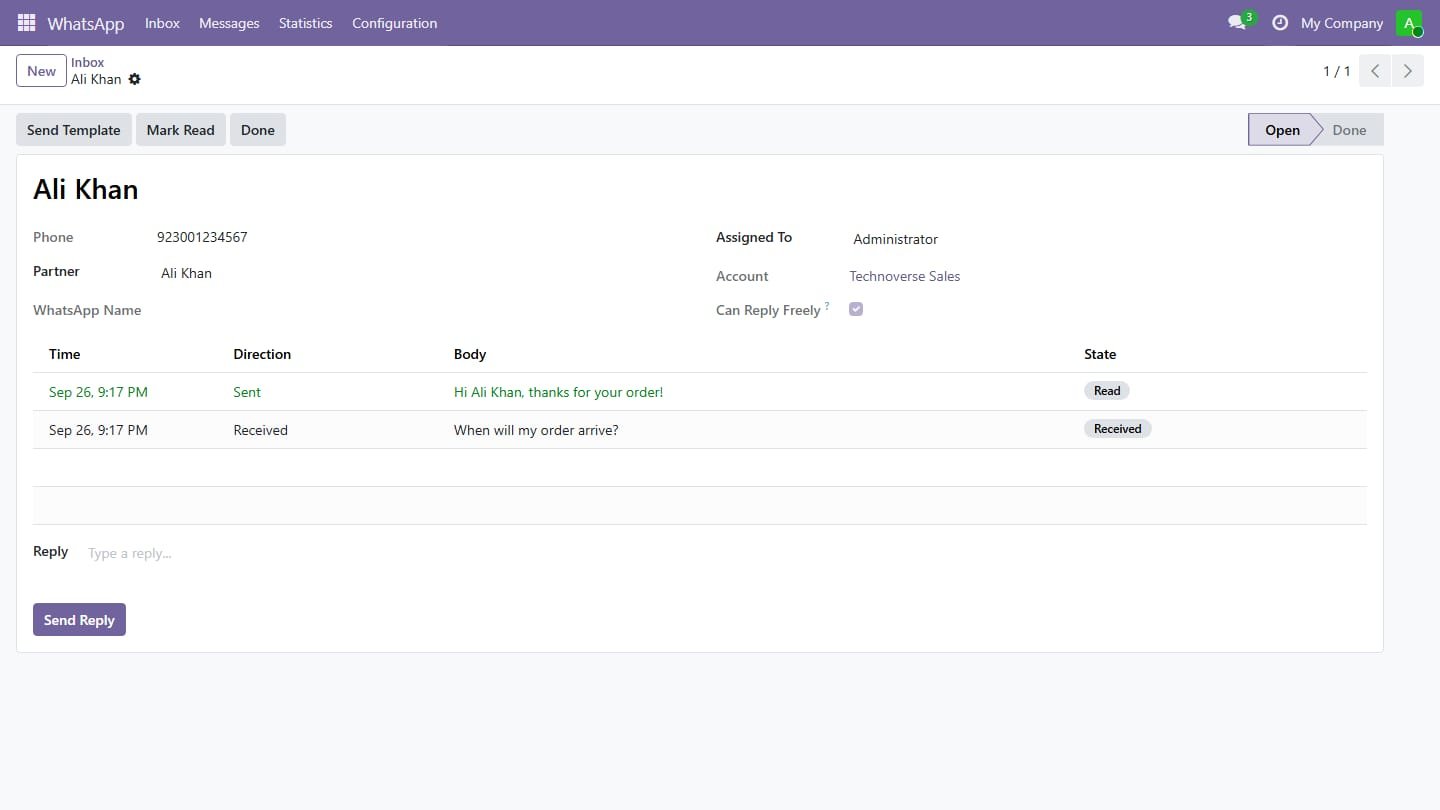
Shared inbox
Customer replies land in one inbox, linked to the contact, assigned round-robin to your team, with free replies inside the 24-hour window.
6
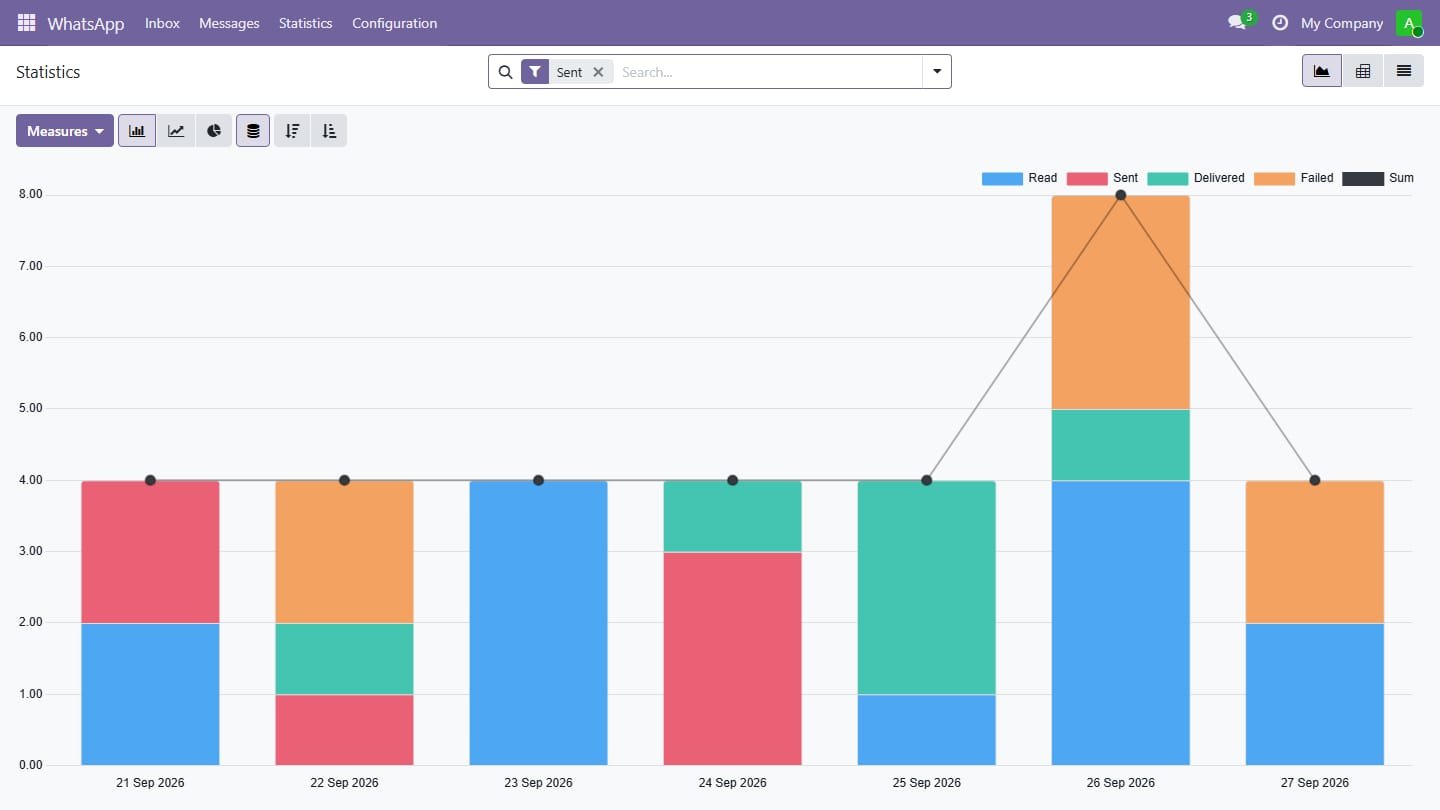
Delivery tracking and retry
Sent, delivered, read or failed for every message, the reason of failures and one-click retry.
7
Automation rules
Send WhatsApp automatically when an invoice is posted, an order confirmed or any condition you set in Odoo Automation Rules.
8
Opt-out and chatter log
Customers who answer STOP are never messaged again, and every message is logged in the chatter of its document.