

Access Rights Manager
User Access Rights, Permissions & Security: restrict menus, fields, buttons, views & reports per user, group or profile with domain-based rules.
$80.50USD
Details
All-in-one access management for Odoo 14-20: read-only models, blocked create/edit/delete/export/import/print, hidden or read-only fields, hidden menus, buttons, tabs and chatter, record rules with soft restrict, login hours, IP whitelist and session limits, access teams, role templates, preview as user, audit log and JSON import/export. Community and Enterprise.

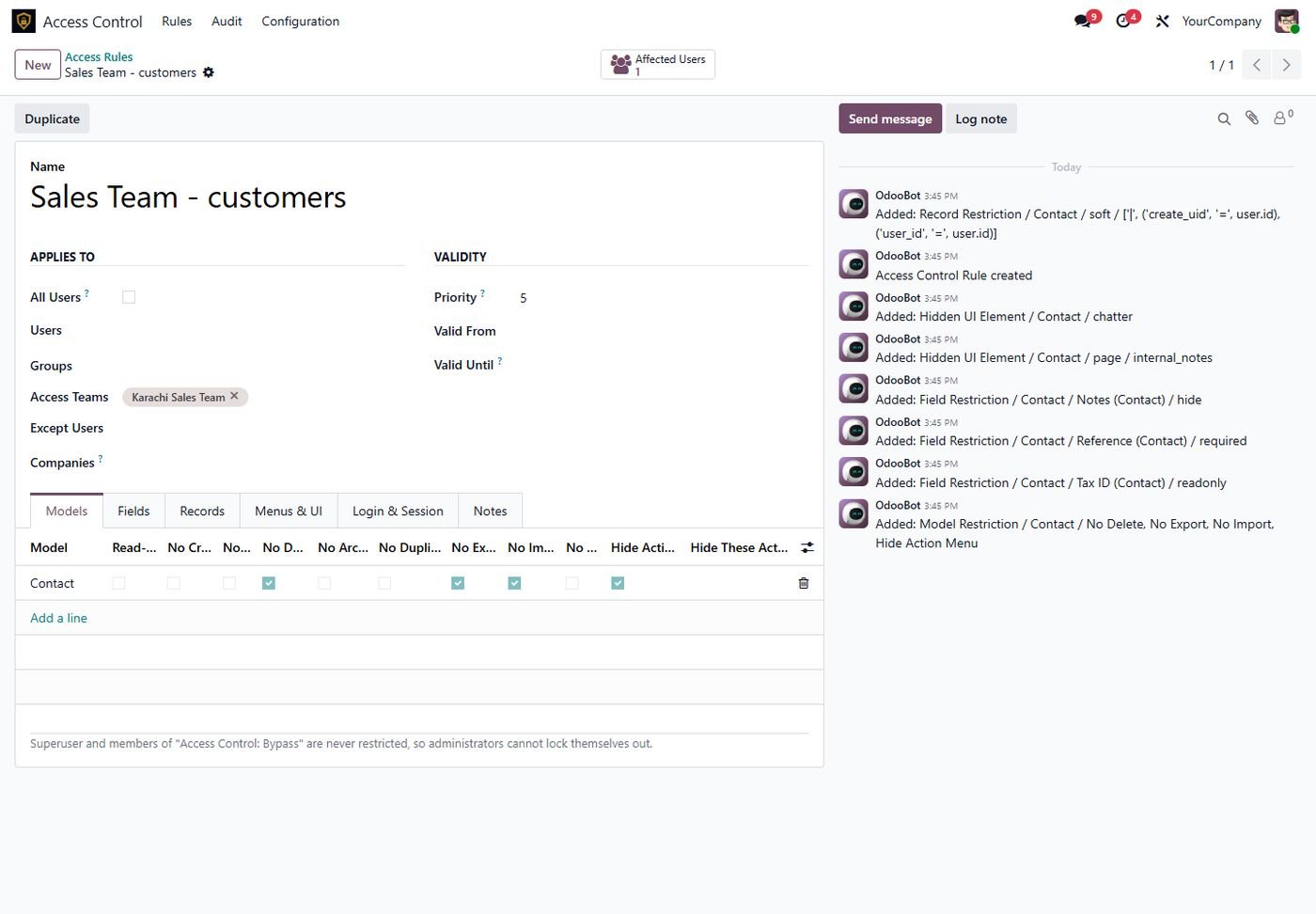
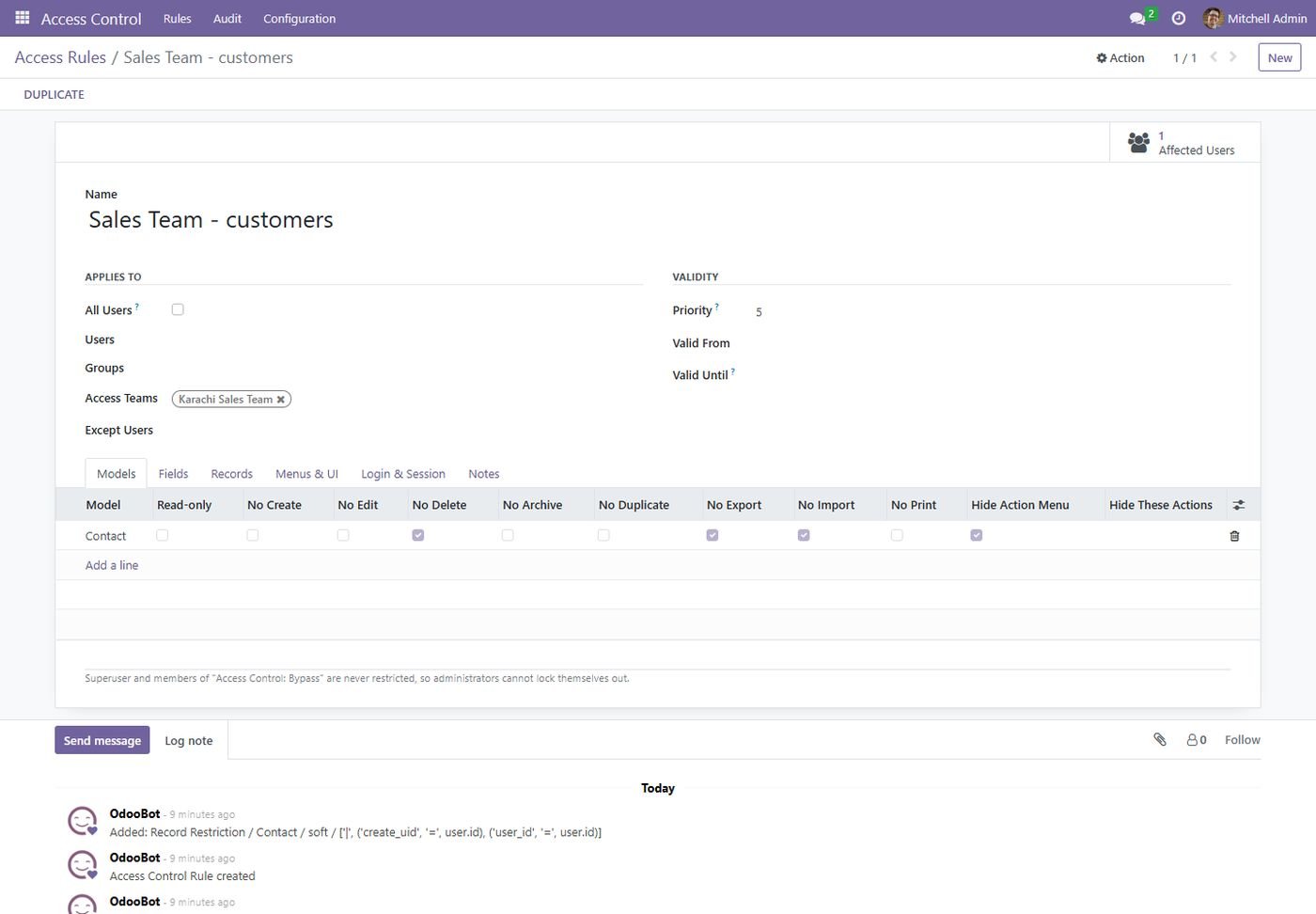
Read-only models or block create, edit, delete, archive, duplicate, import, export and print per model; hide the Action menu or single actions.
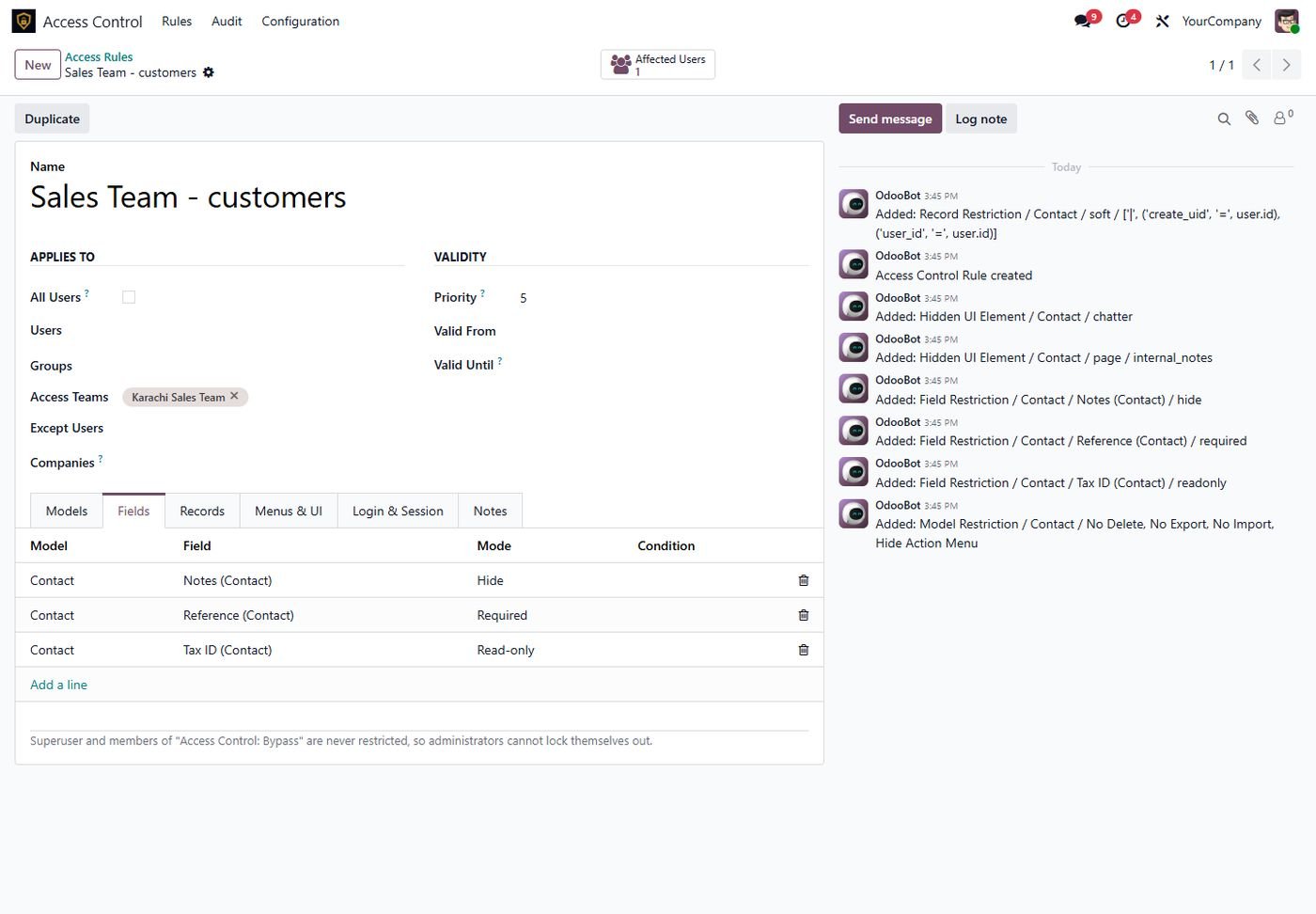
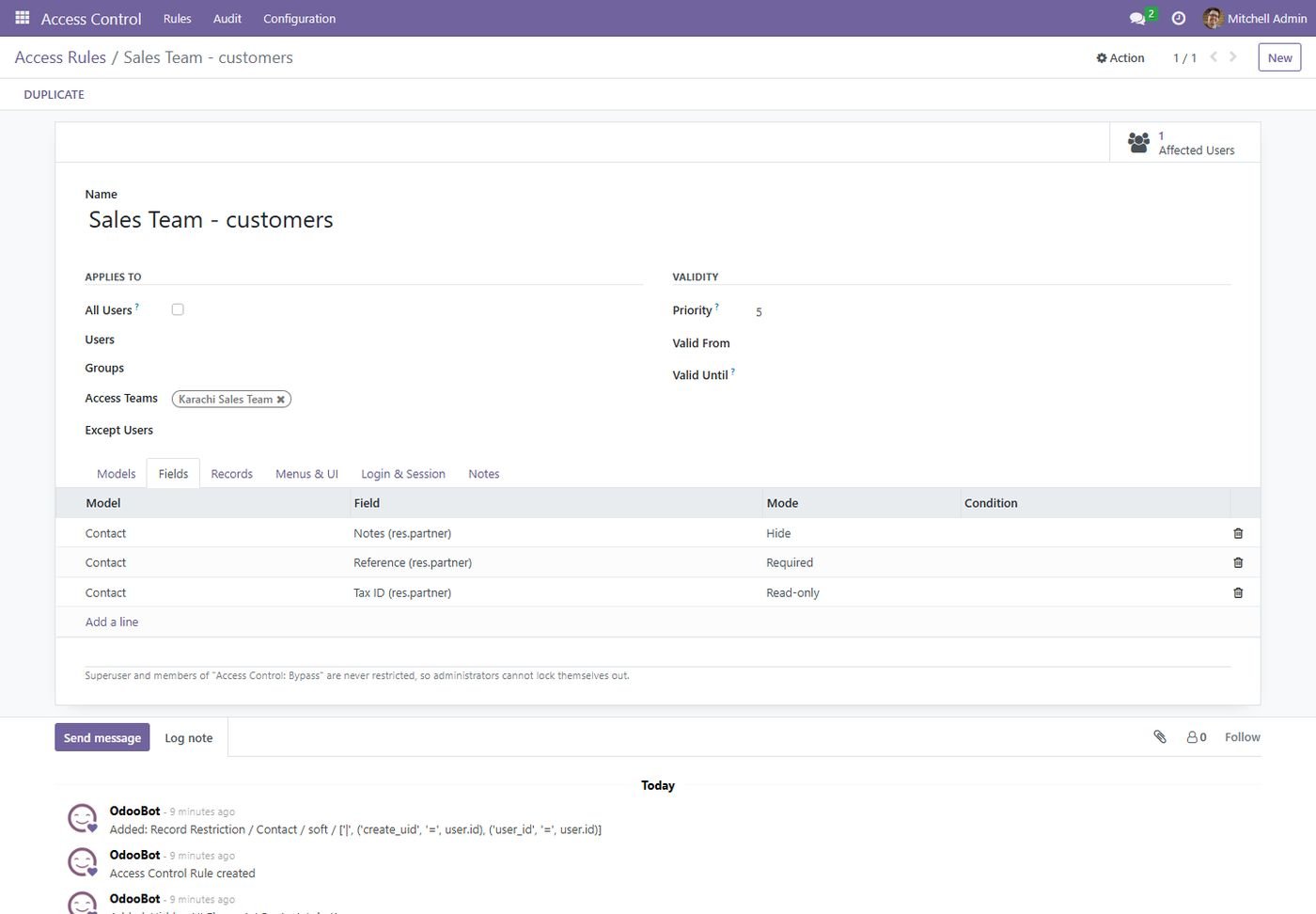
Hide fields, make them read-only or required, always or on a condition. Hidden fields disappear from reads, exports, filters and the API too.
Hide menus with their sub-menus, buttons, smart buttons, notebook tabs, search filters and the whole chatter or only messages, notes or activities.
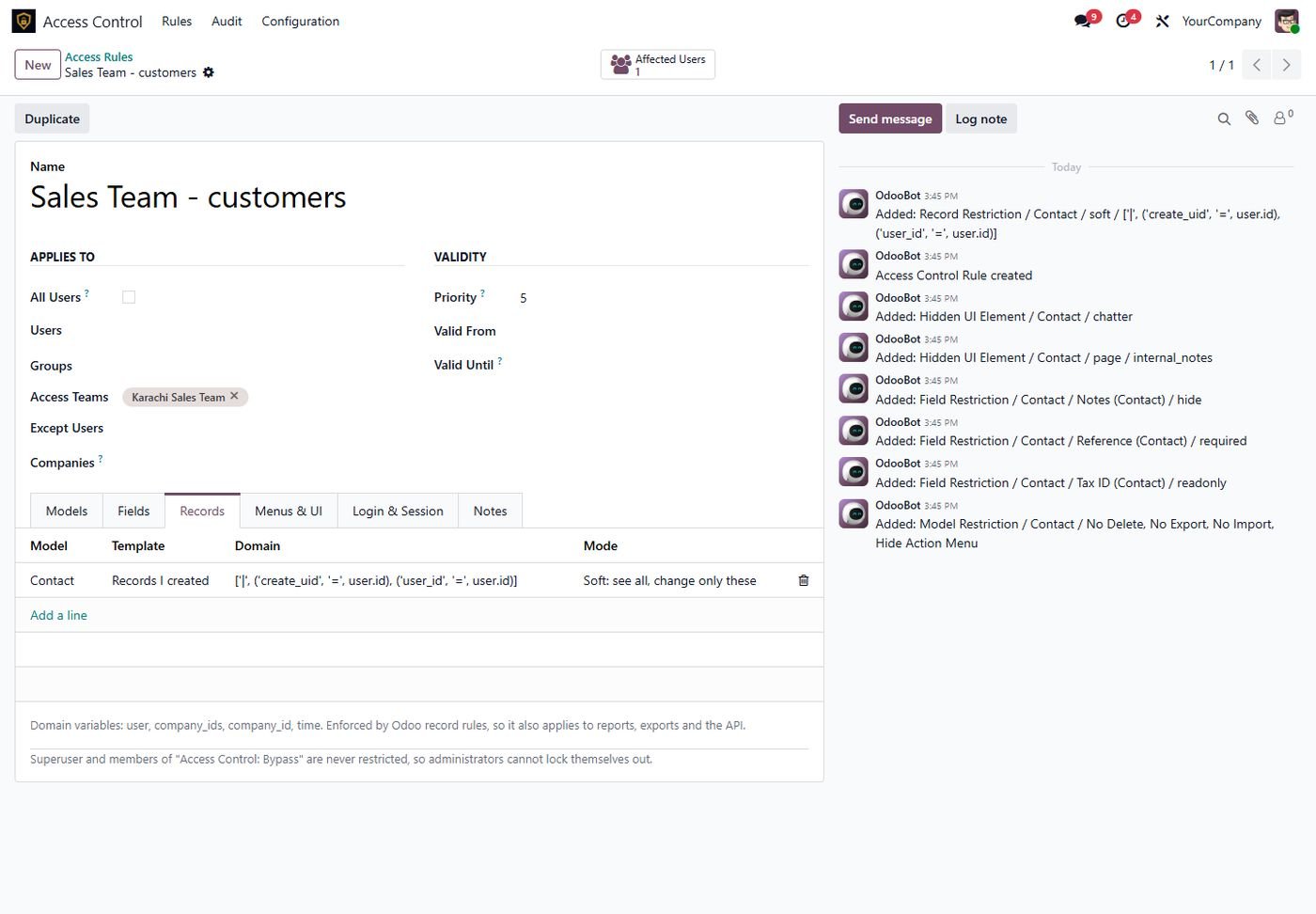
Own records, own company or any domain. Hard mode hides other records, soft mode shows them but only lets users change their own.
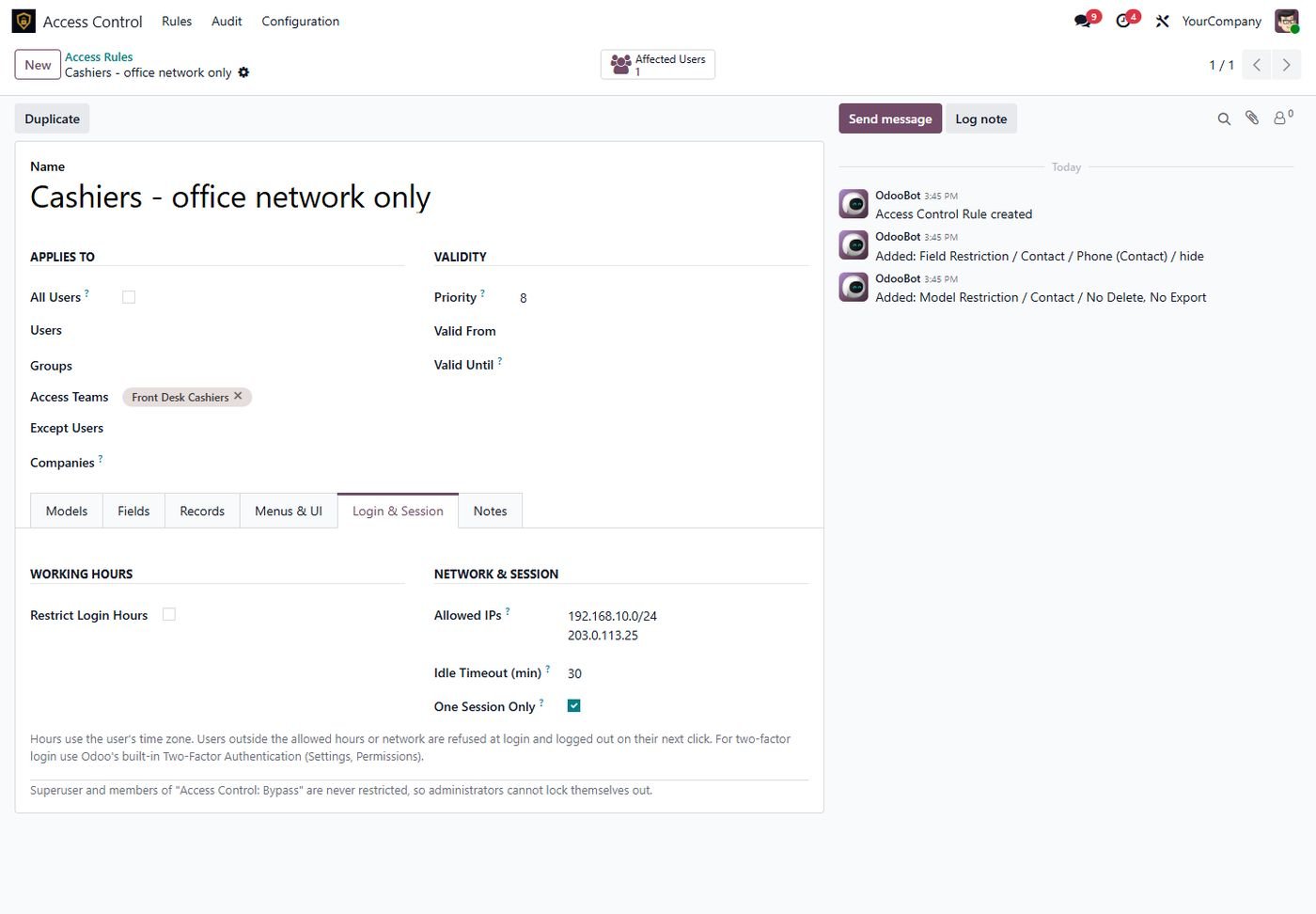
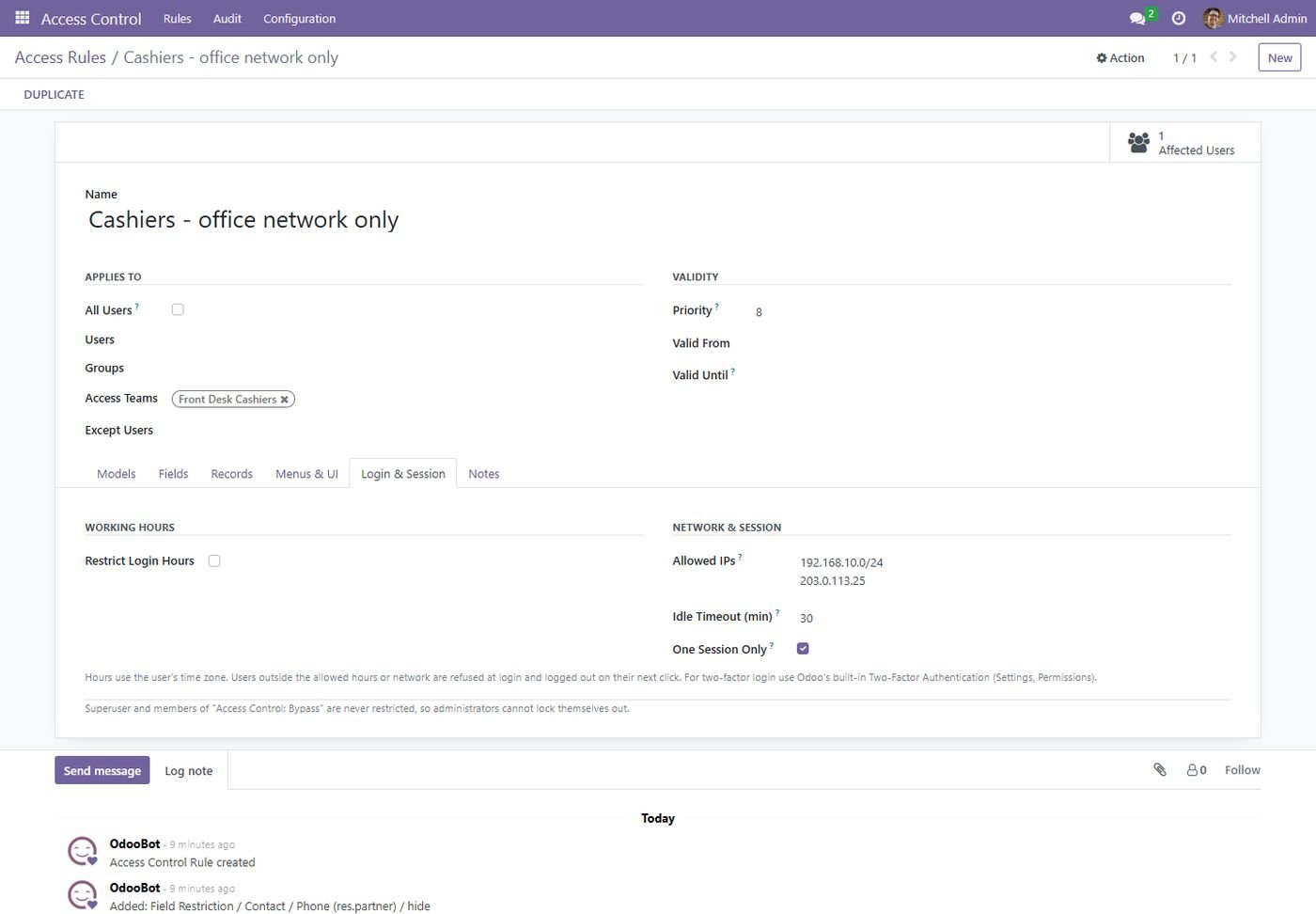
Working days and hours in the user's time zone, allowed IPs and ranges, idle session timeout and one session per user.
Target users, Odoo groups, companies or your own access teams. Start from Sales Rep, Cashier, Store Keeper, Accountant or Auditor templates.
See every restriction of a user on one screen, the rules per user and a log of blocked attempts and refused logins.
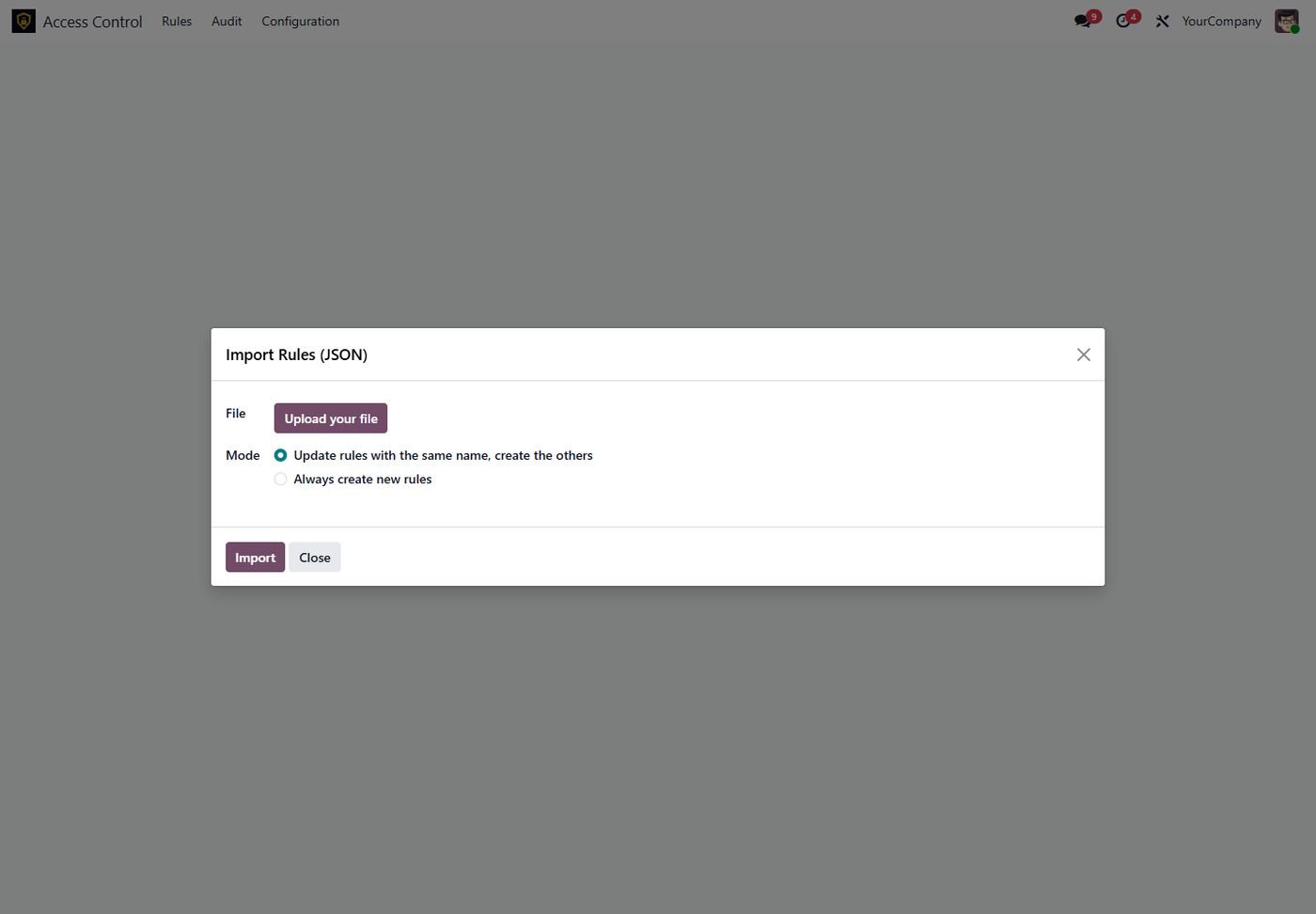
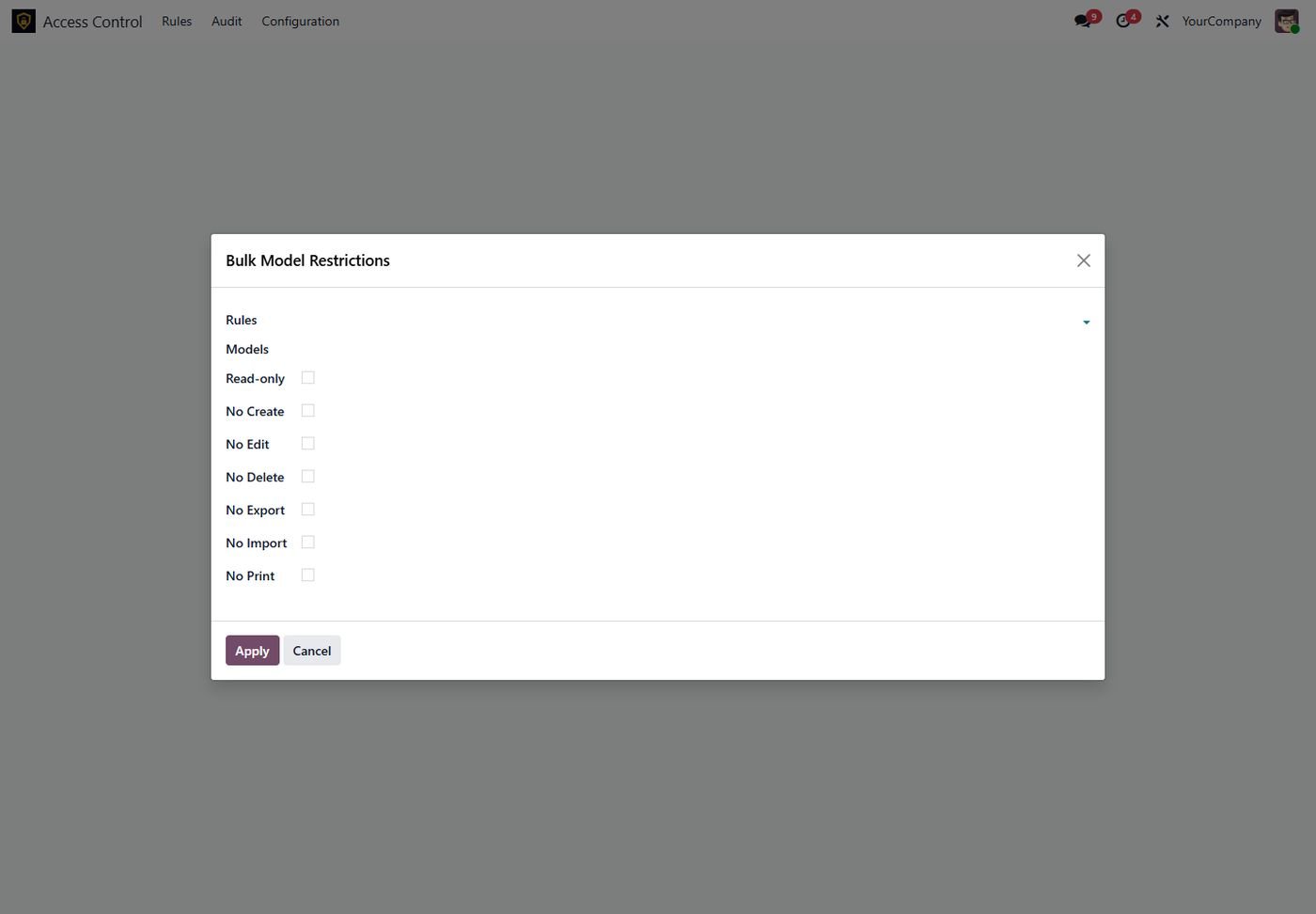
Move rules from staging to production as JSON, apply restrictions to many models and rules at once, duplicate complete rules.
Real screens from Access Control Center — click any image to see it full size.
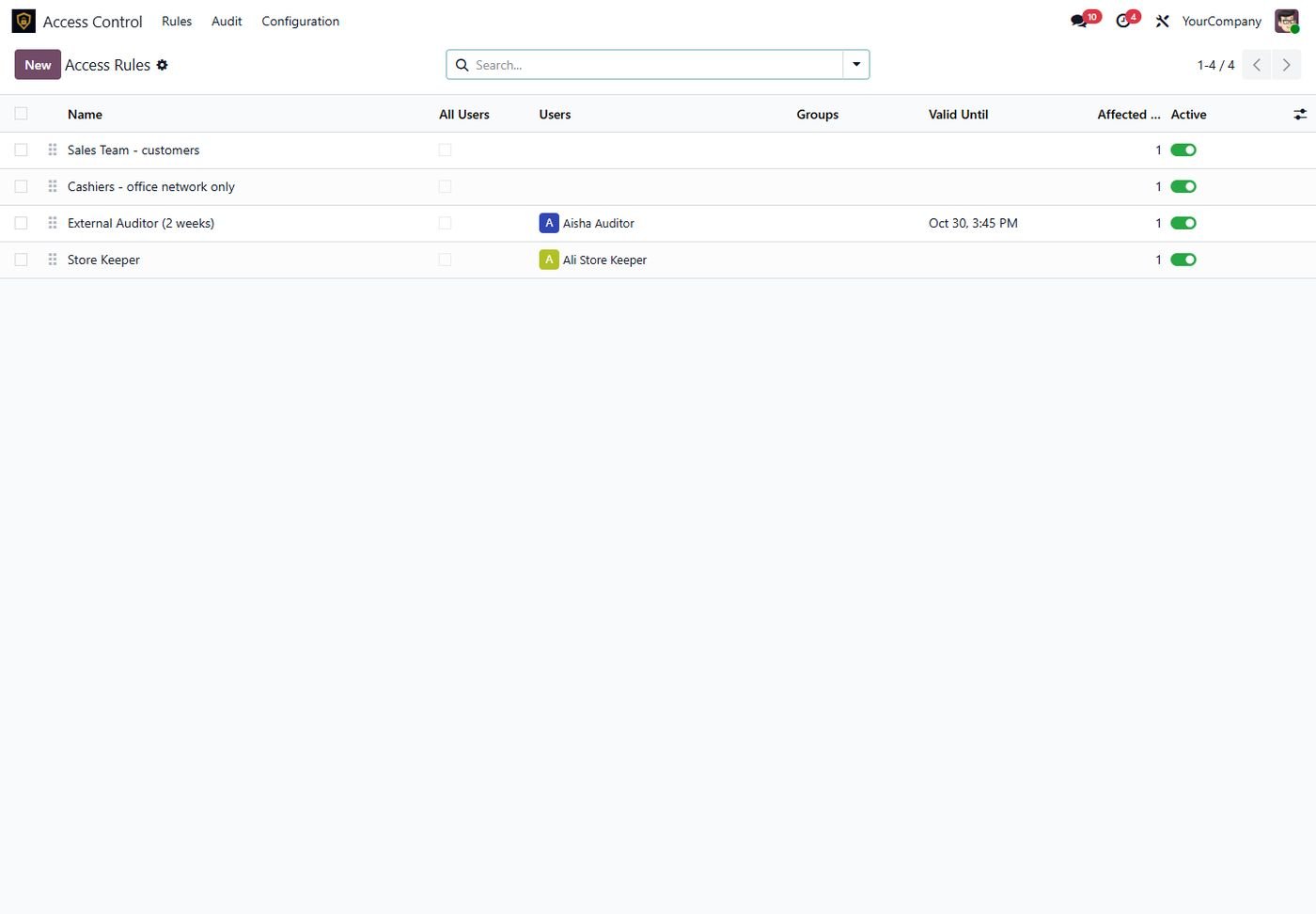
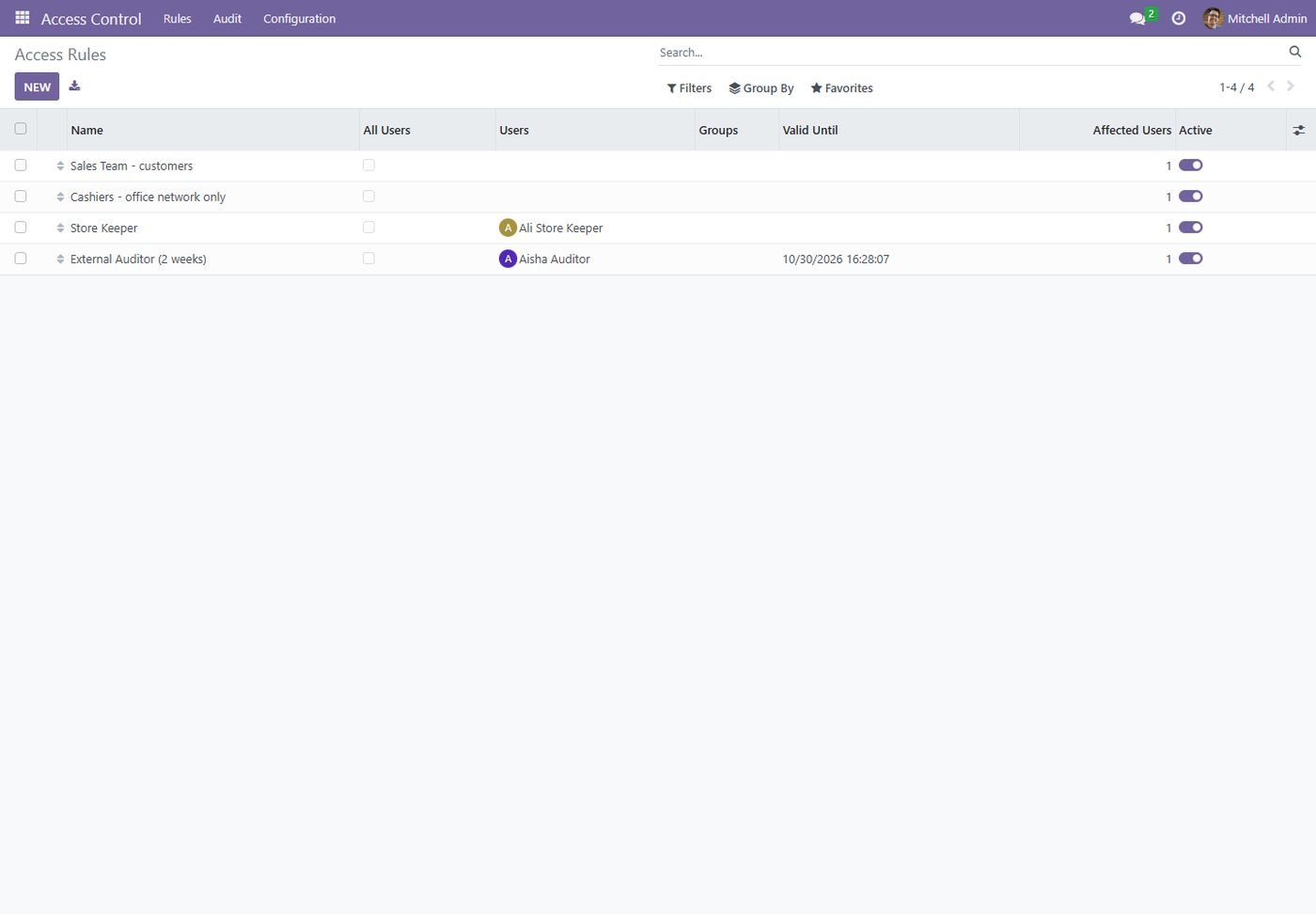
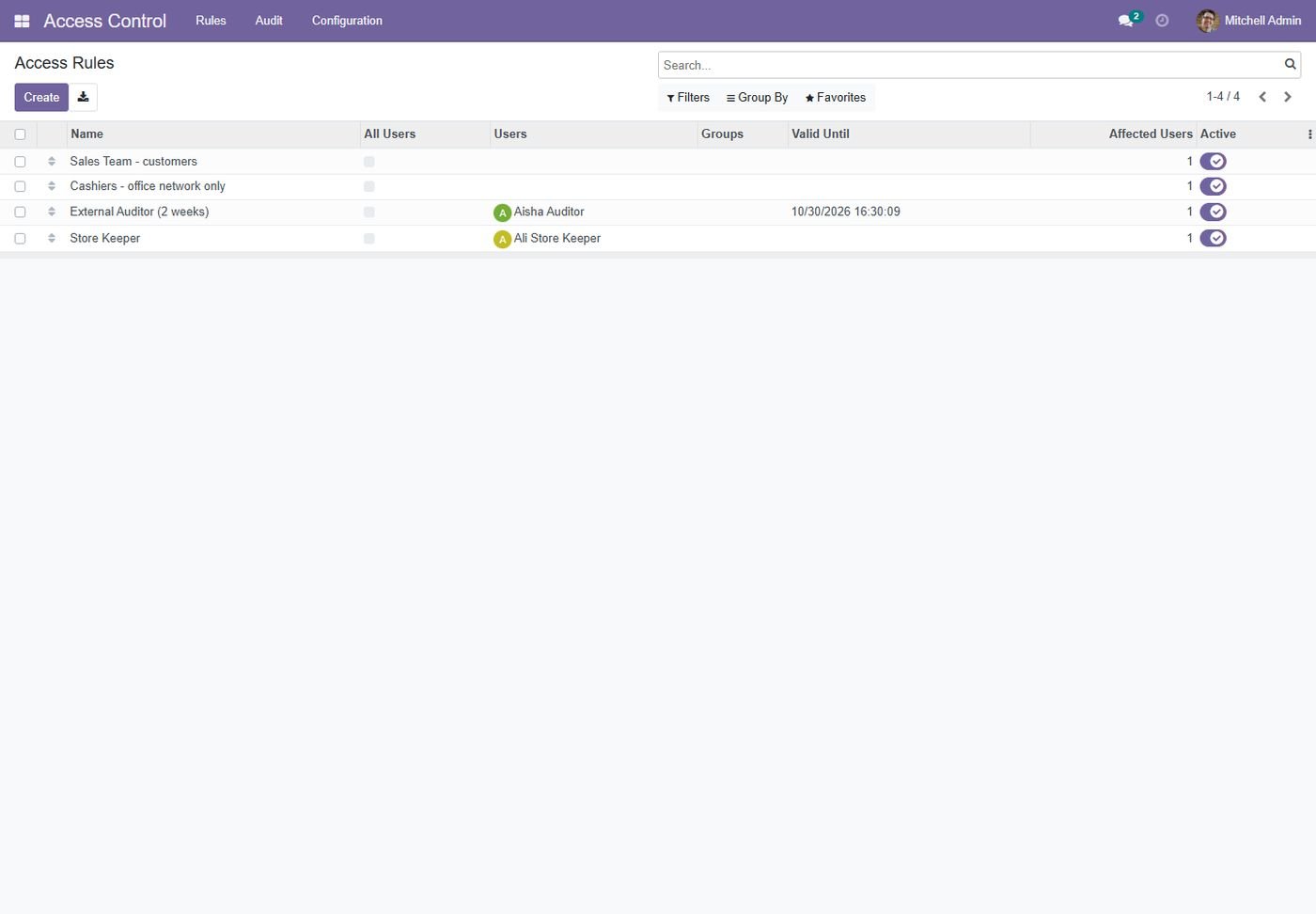
Every rule with its targets, validity, affected users and an on/off switch.
Read-only or block create, edit, delete, archive, duplicate, import, export and print per model.
Hide fields or make them read-only or required, always or on a condition.
Own records, own company or a custom domain; soft mode shows all but changes only own.
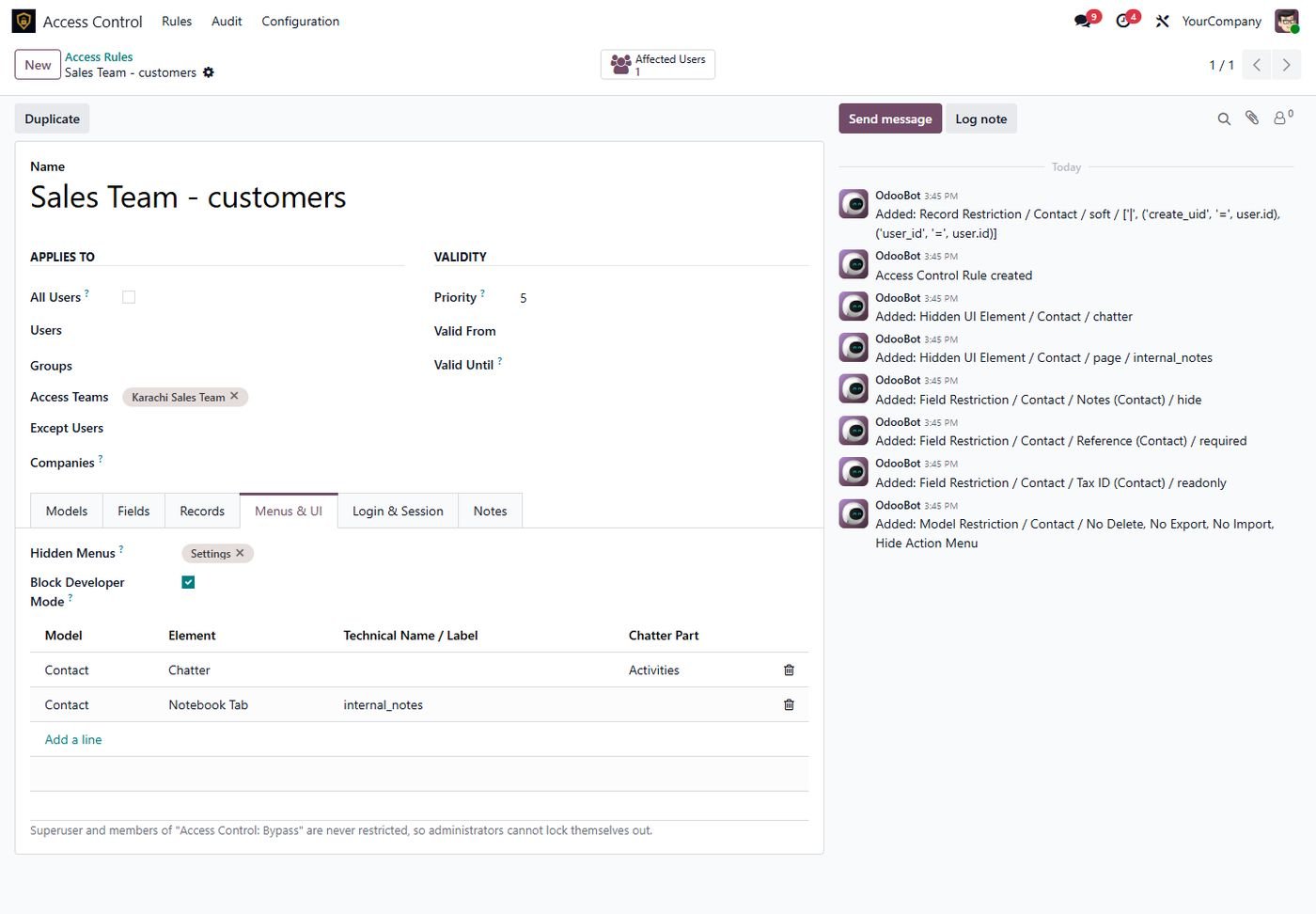
Hide menus with sub-menus, buttons, tabs, filters, chatter parts and developer mode.
Allowed days and hours, IP whitelist, idle timeout and one session per user.
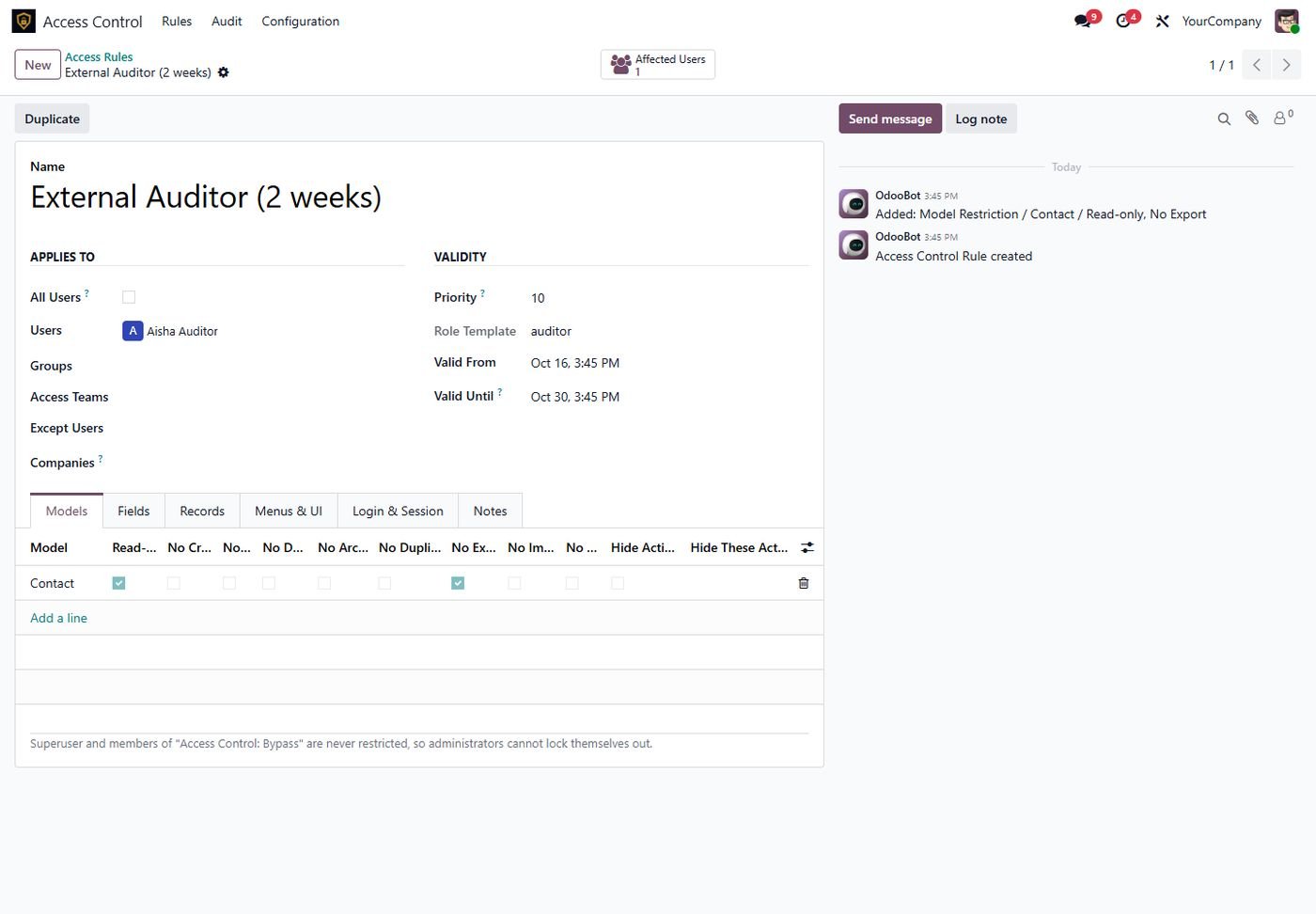
An auditor role valid for two weeks, created from a template.
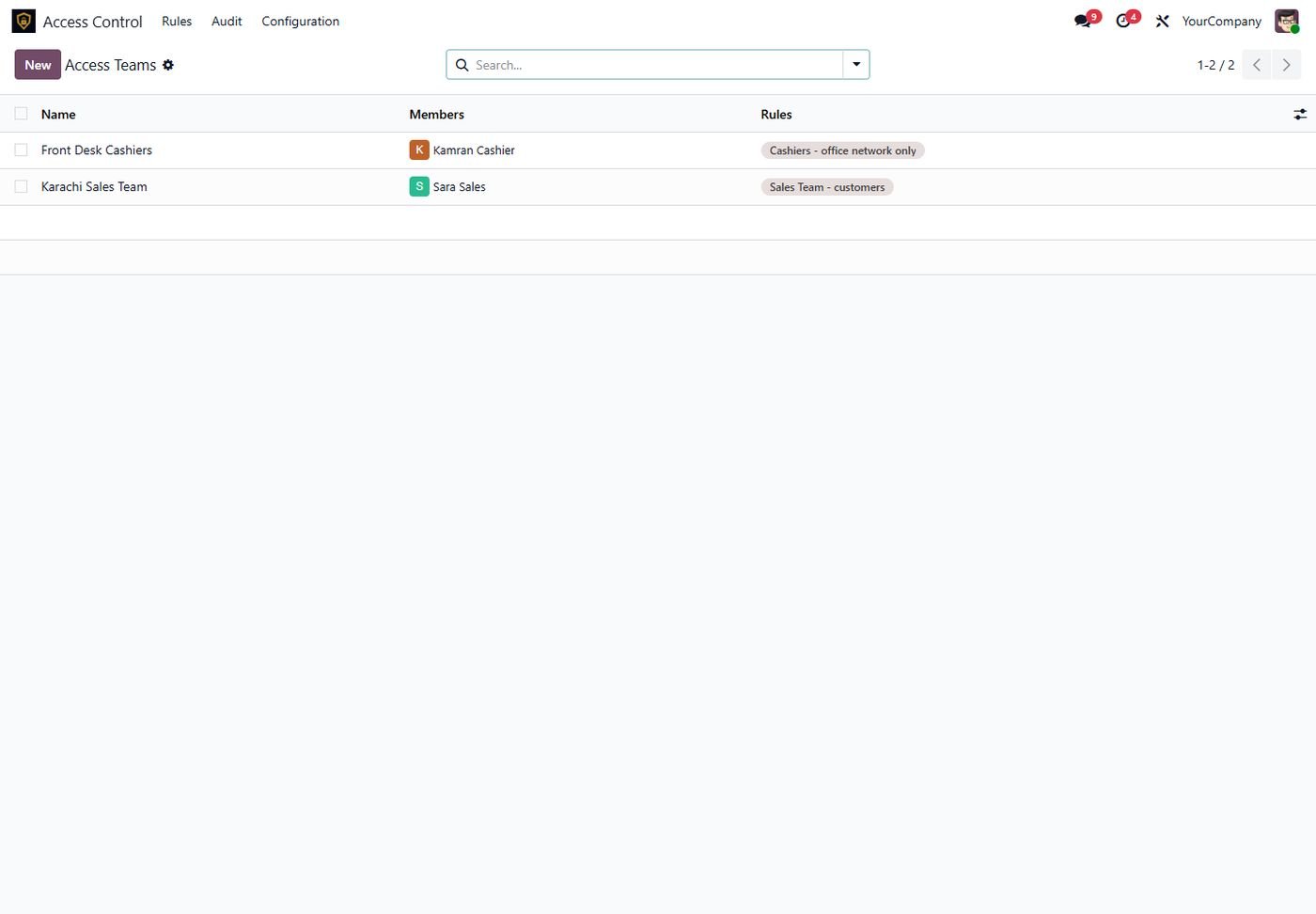
Teams of users that rules can target, separate from technical groups.
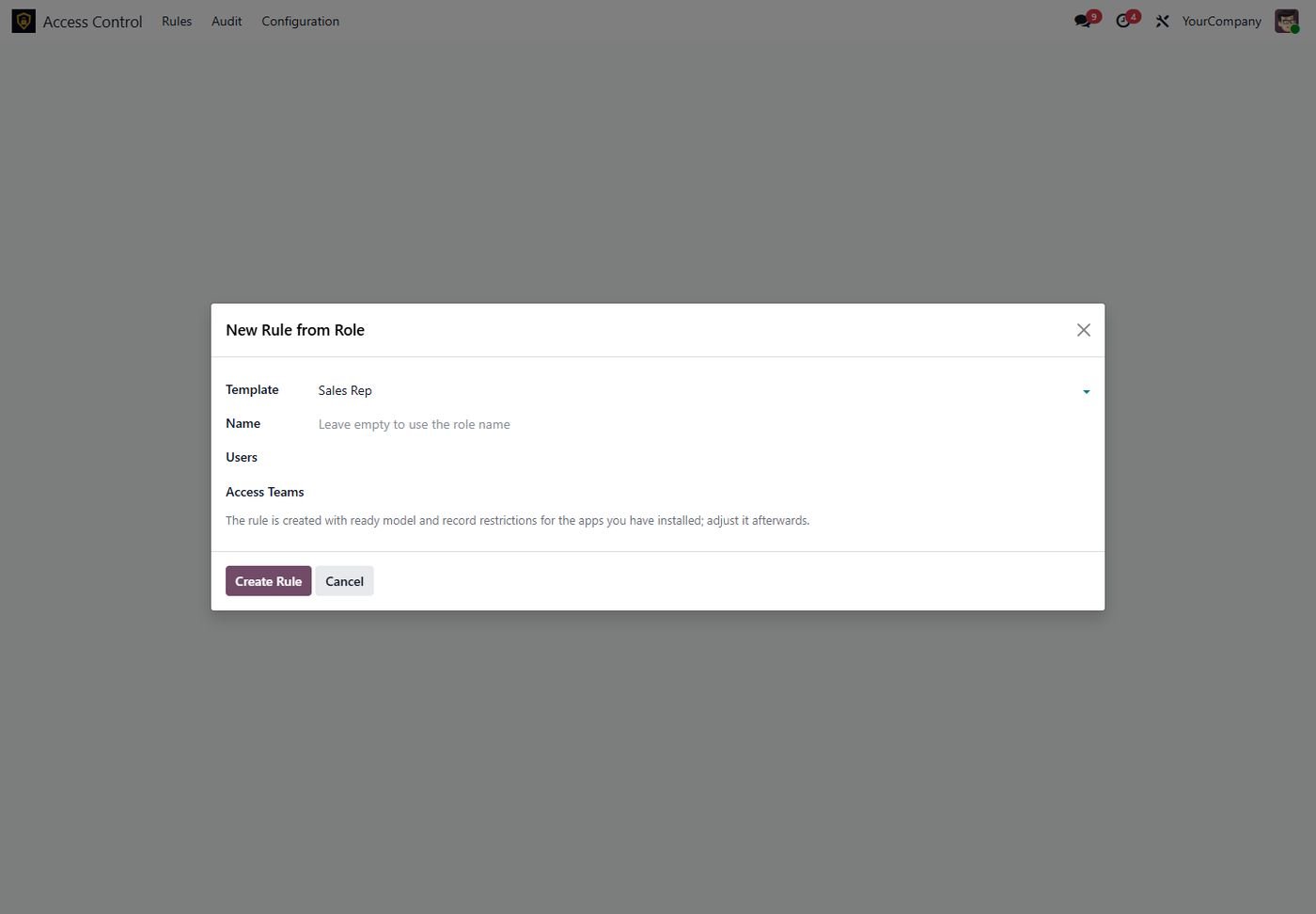
Sales Rep, Cashier, Store Keeper, Purchase User, Accountant and Auditor in one click.
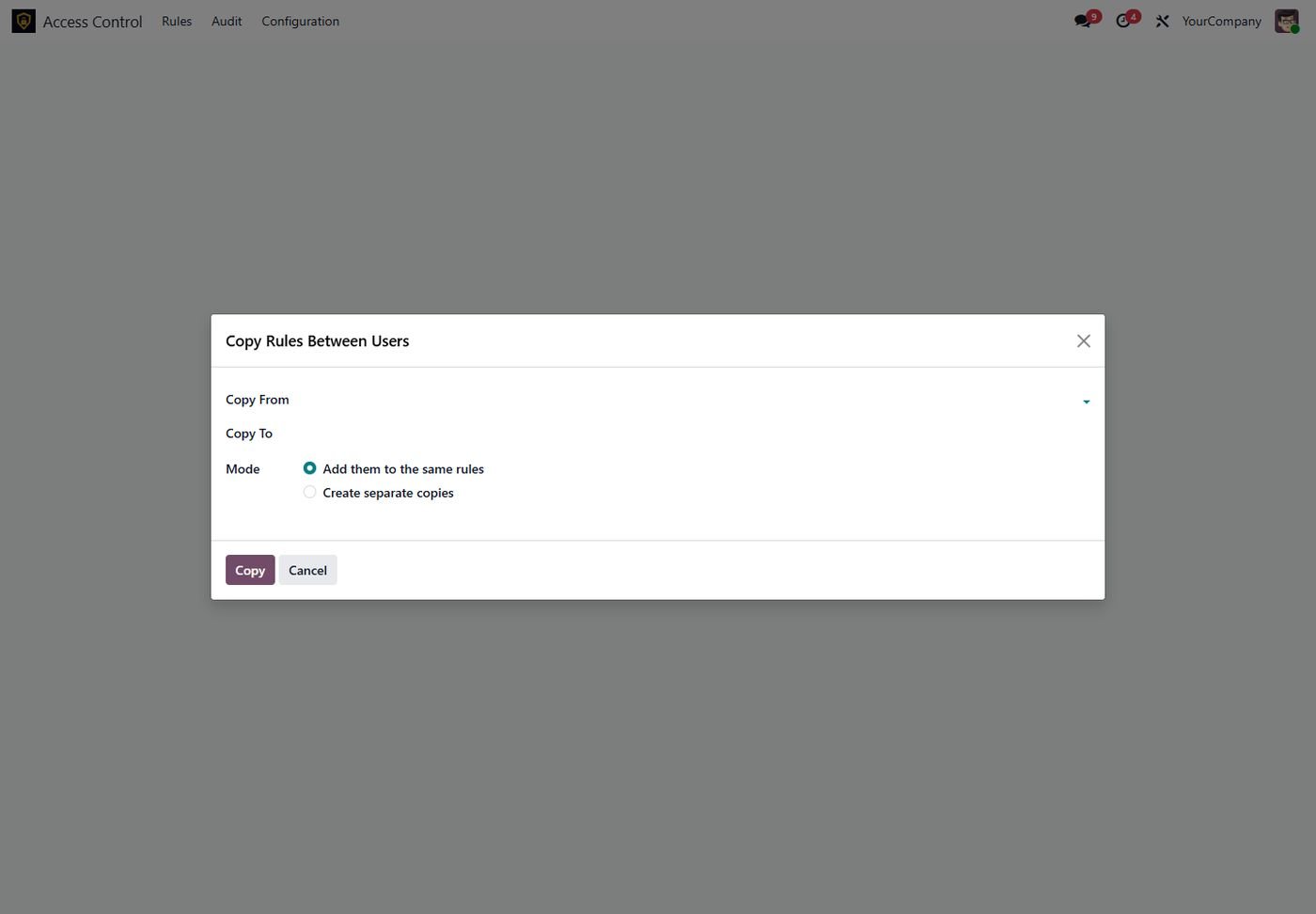
Share the same rules or create separate copies with all lines.
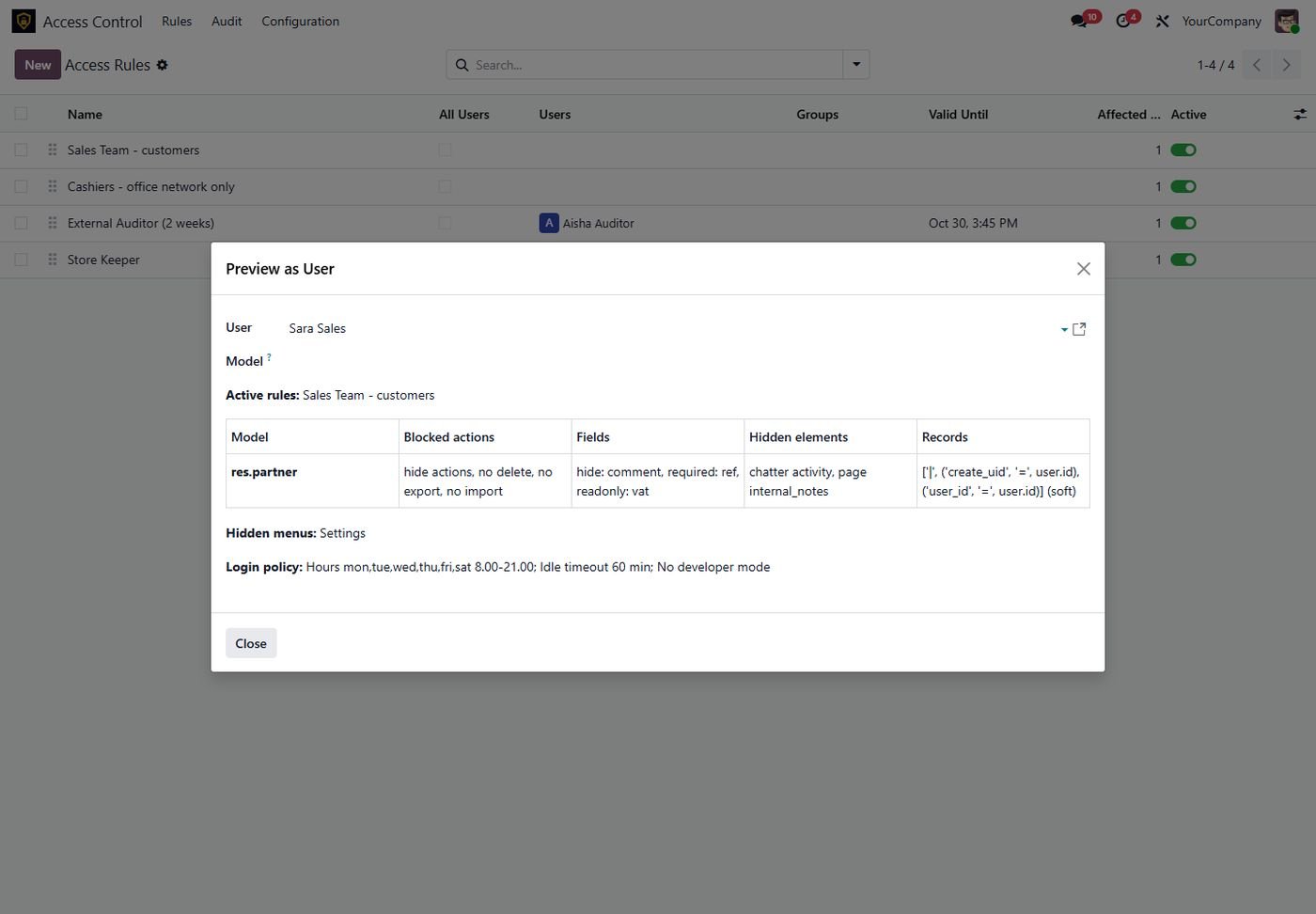
Every restriction of a user on one screen, before you switch the rule on.
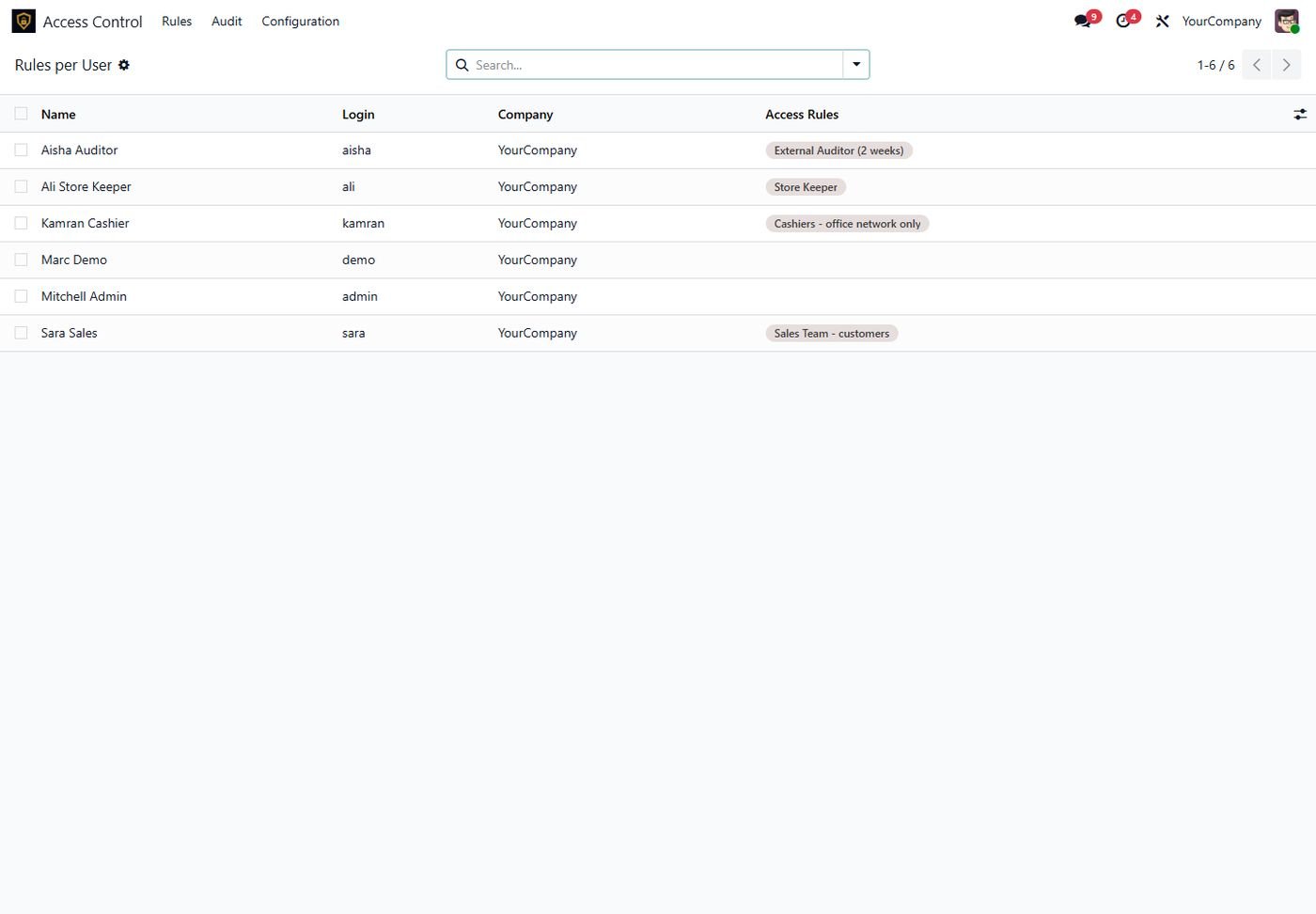
Which rules apply to which user right now.
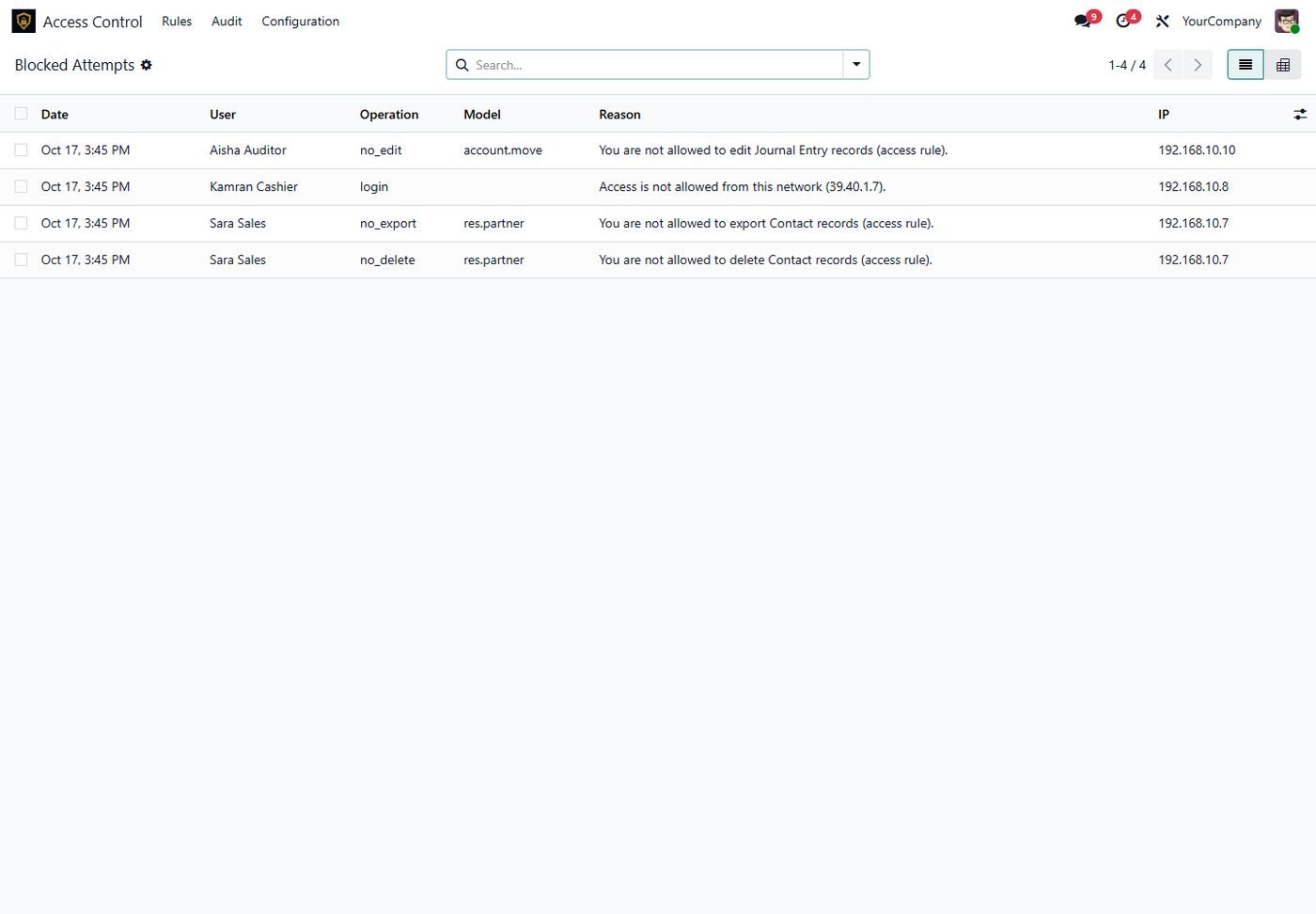
Who tried what, on which model, from which IP, and why it was blocked.
Bring rules from staging to production from a JSON export.
Apply model restrictions to many rules and models at once.
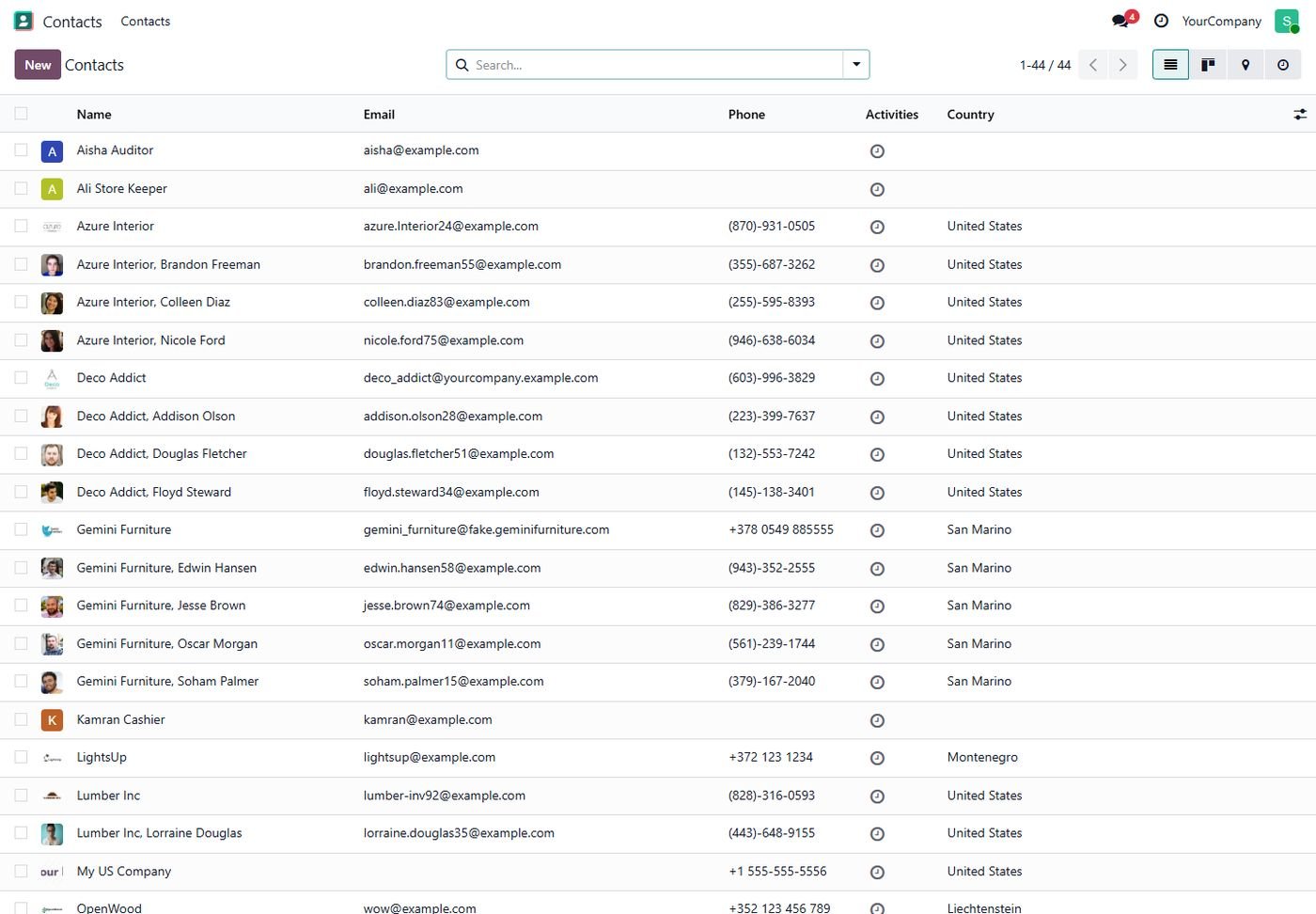
No export, import or action menu for the restricted user.
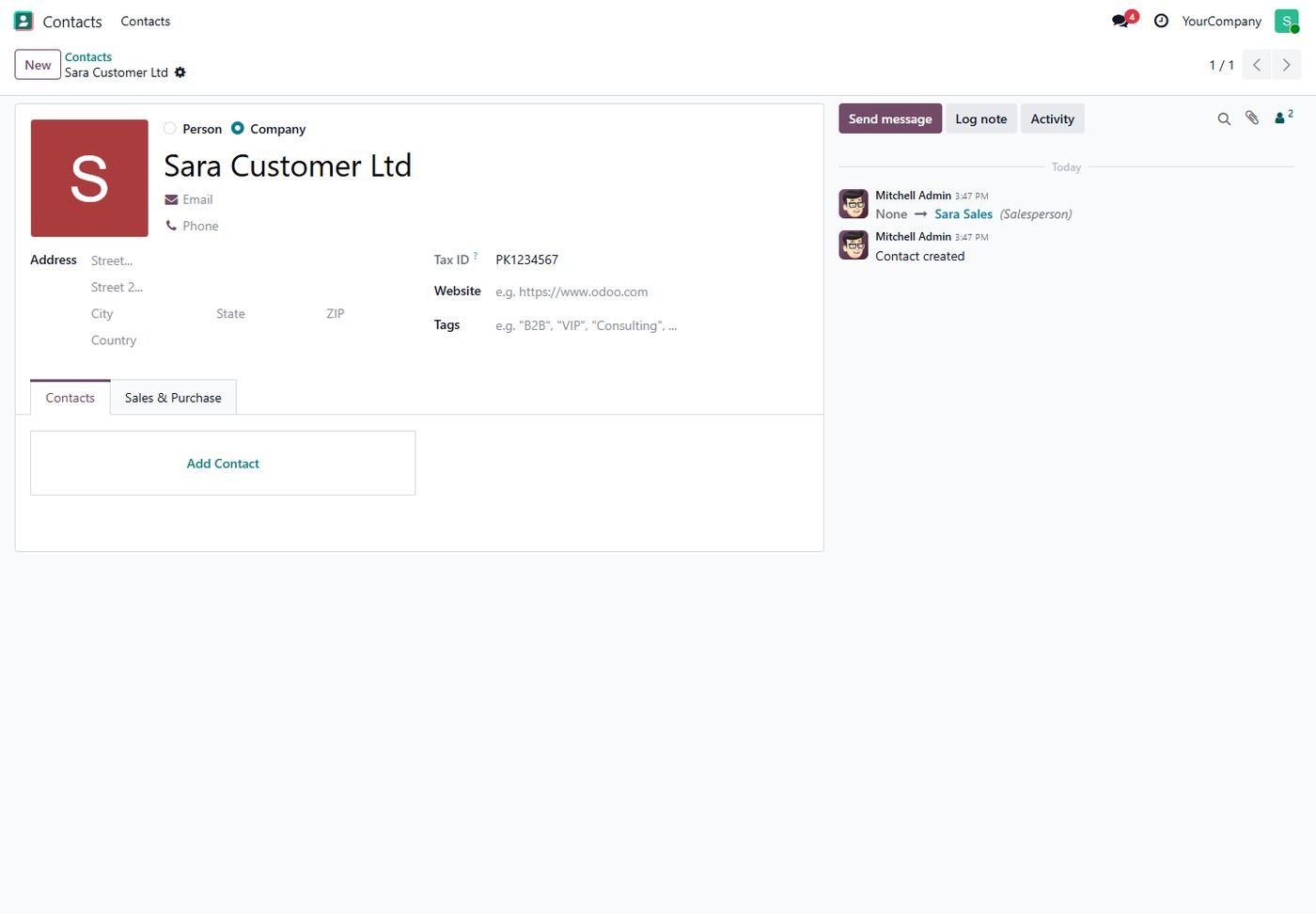
Read-only tax ID, required reference, hidden notes and internal tab.
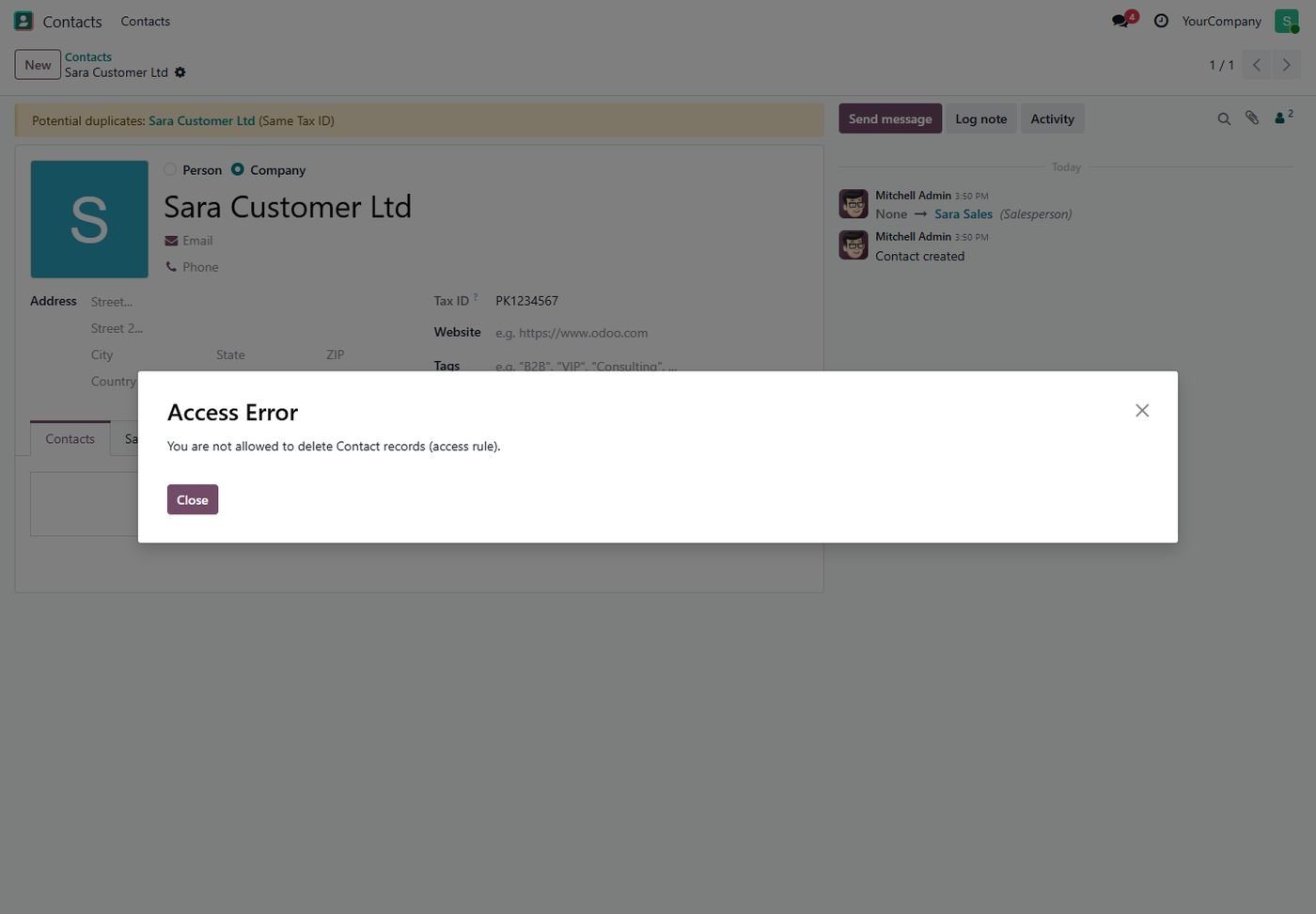
Even through the API the delete is refused with a clear message.
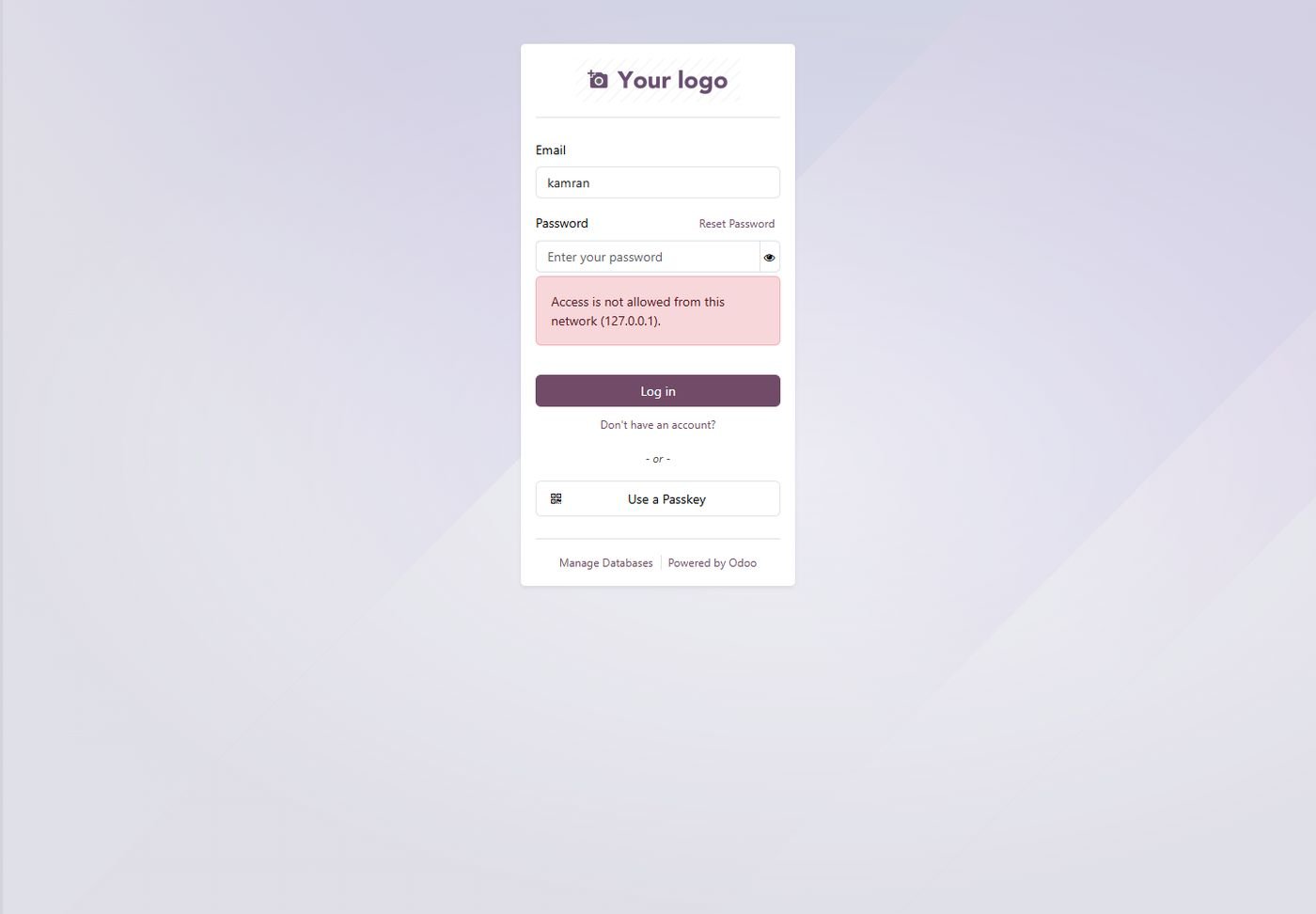
Users outside the allowed IPs or hours cannot log in.
The same screen on Odoo 16.
The same screen on Odoo 16.
The same screen on Odoo 16.
The same screen on Odoo 16.
The same screen on Odoo 15.
The same screen on Odoo 15.
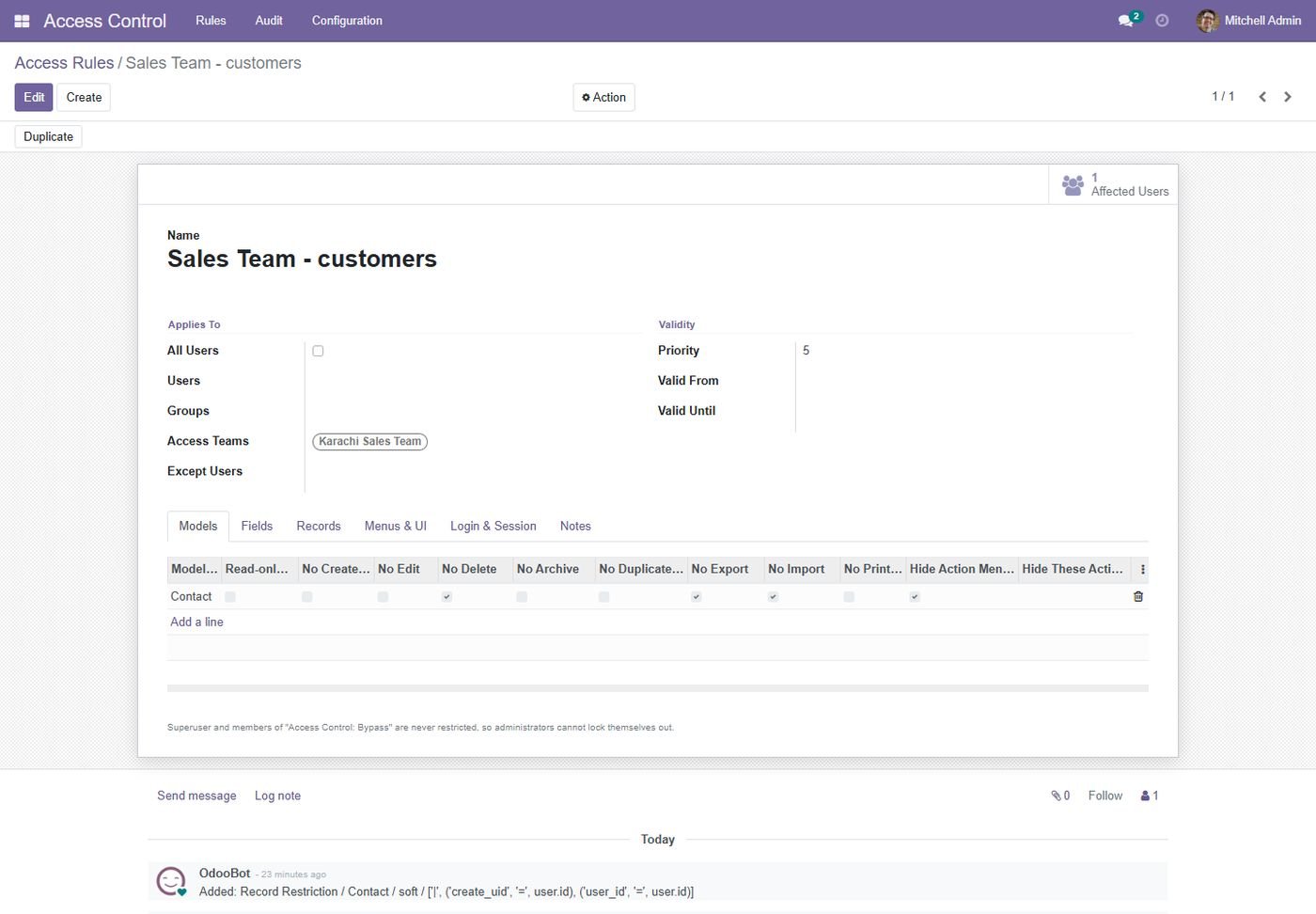
The same screen on Odoo 15.
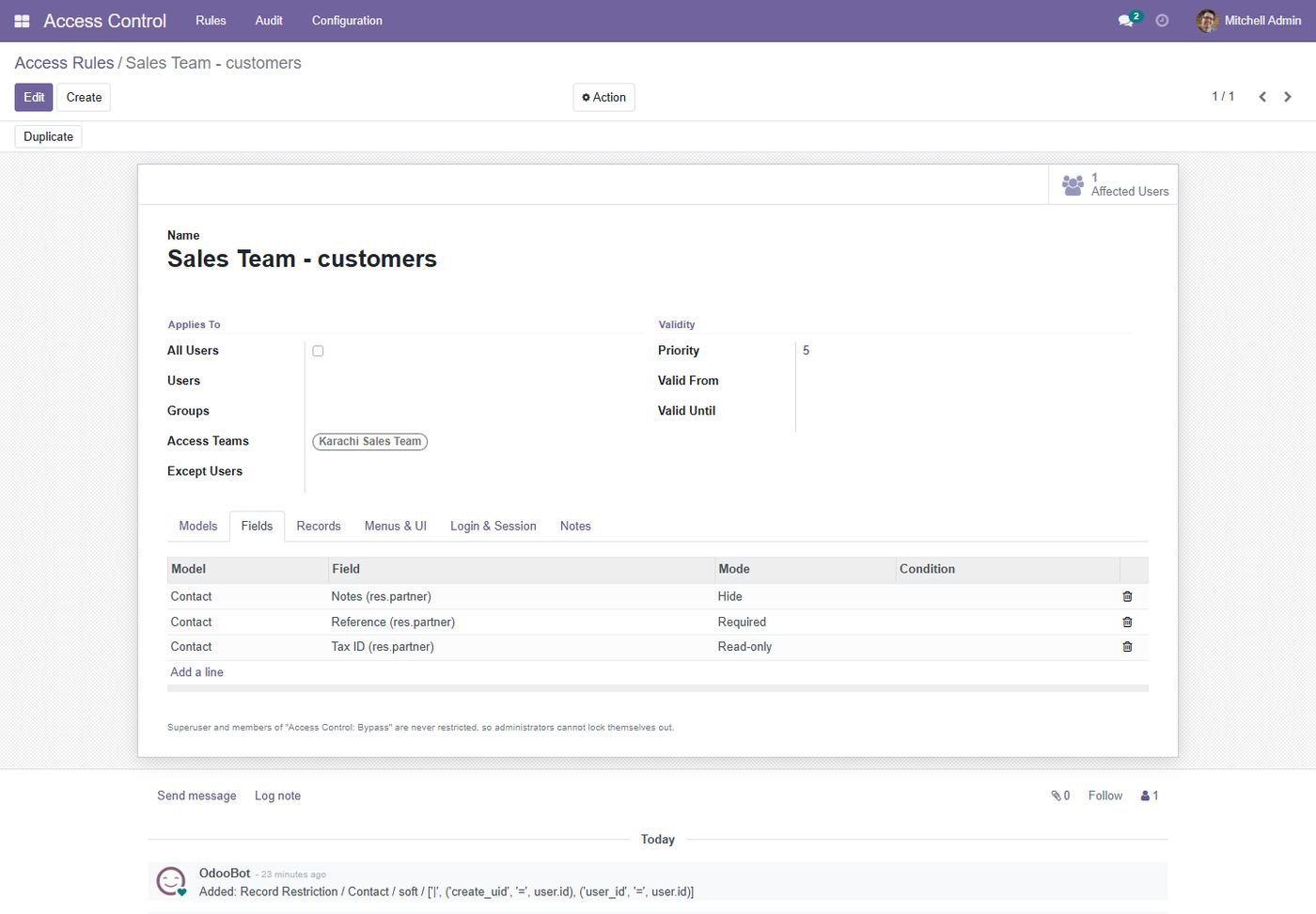
The same screen on Odoo 15.
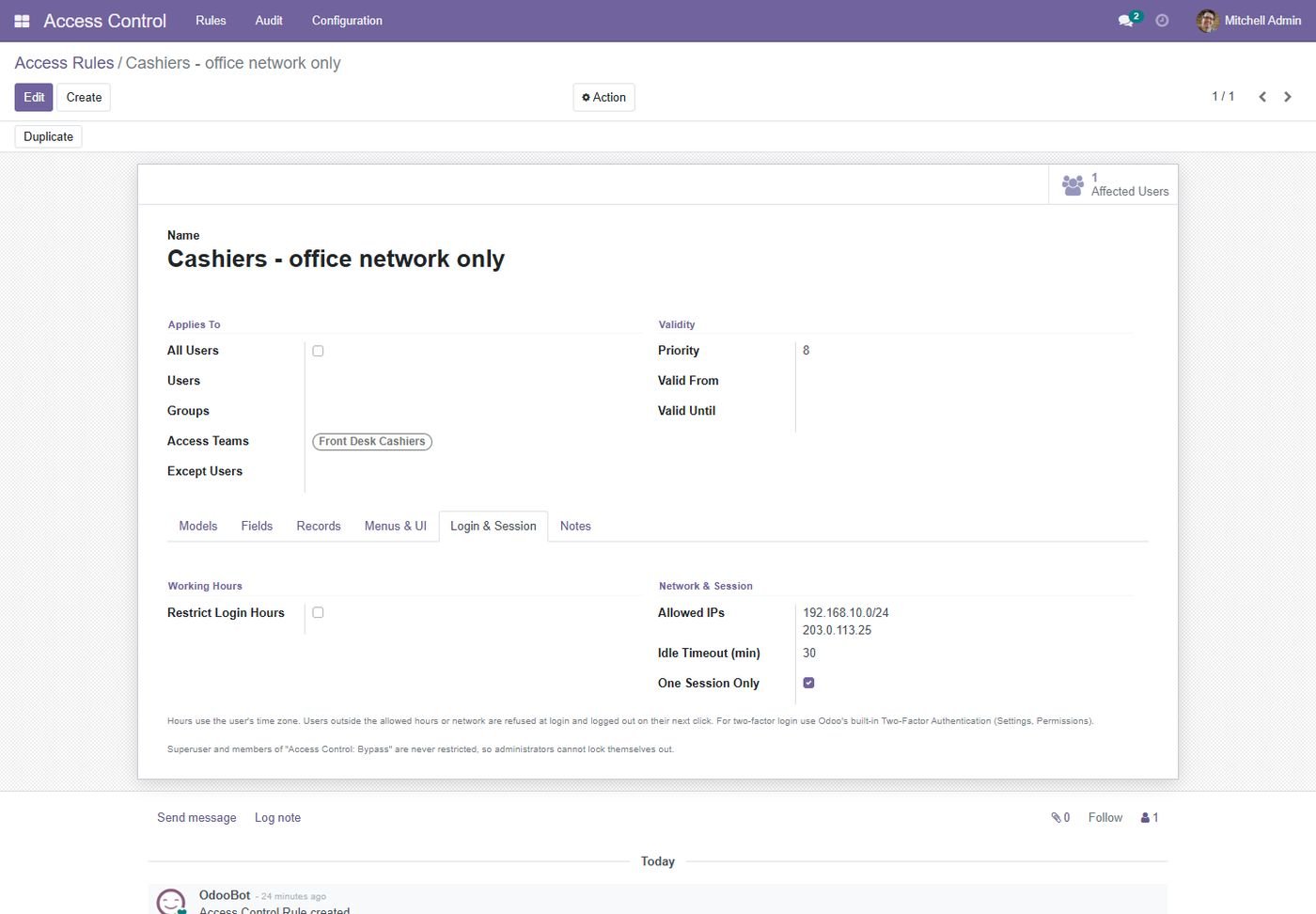
The same screen on Odoo 14.
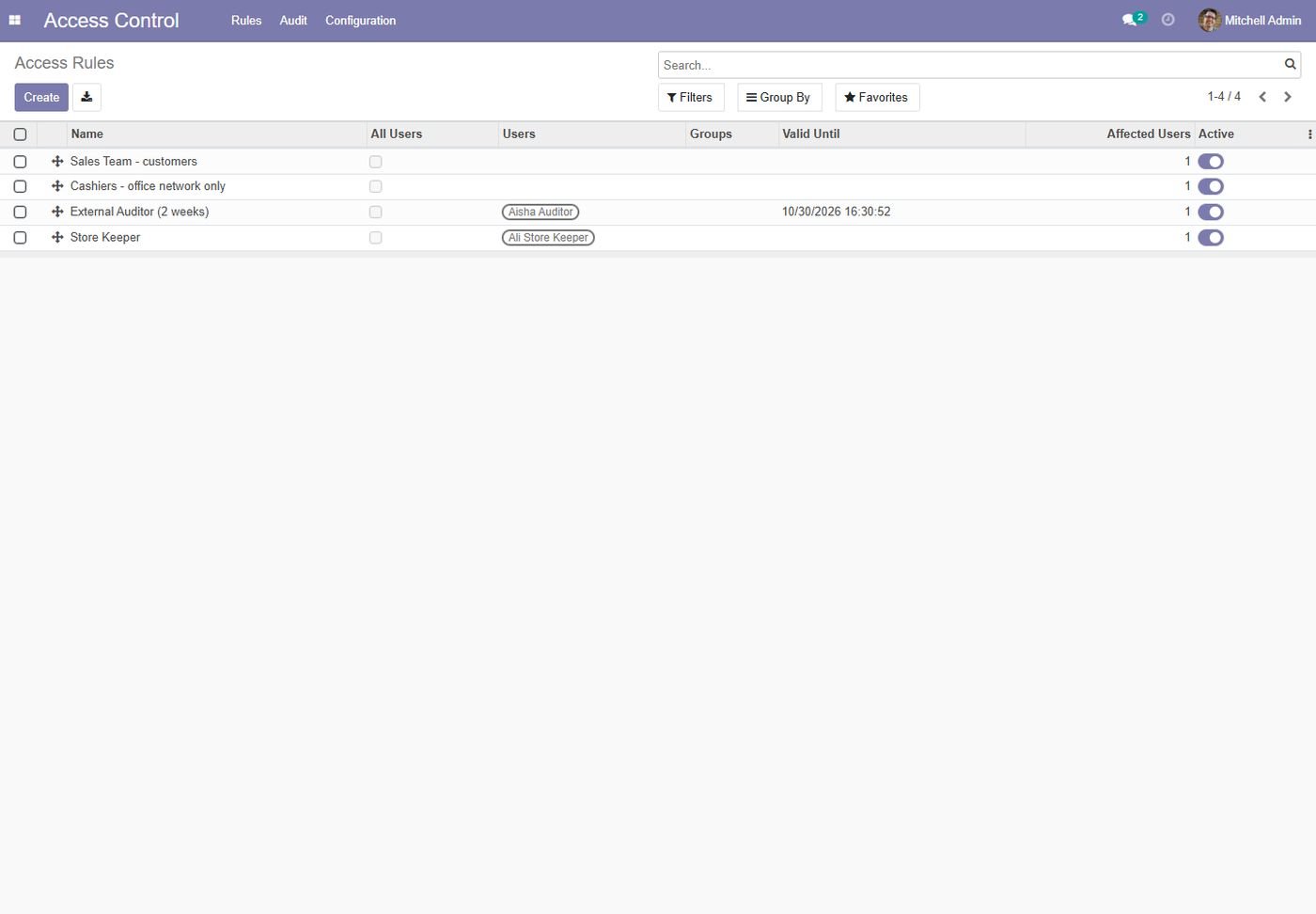
The same screen on Odoo 14.
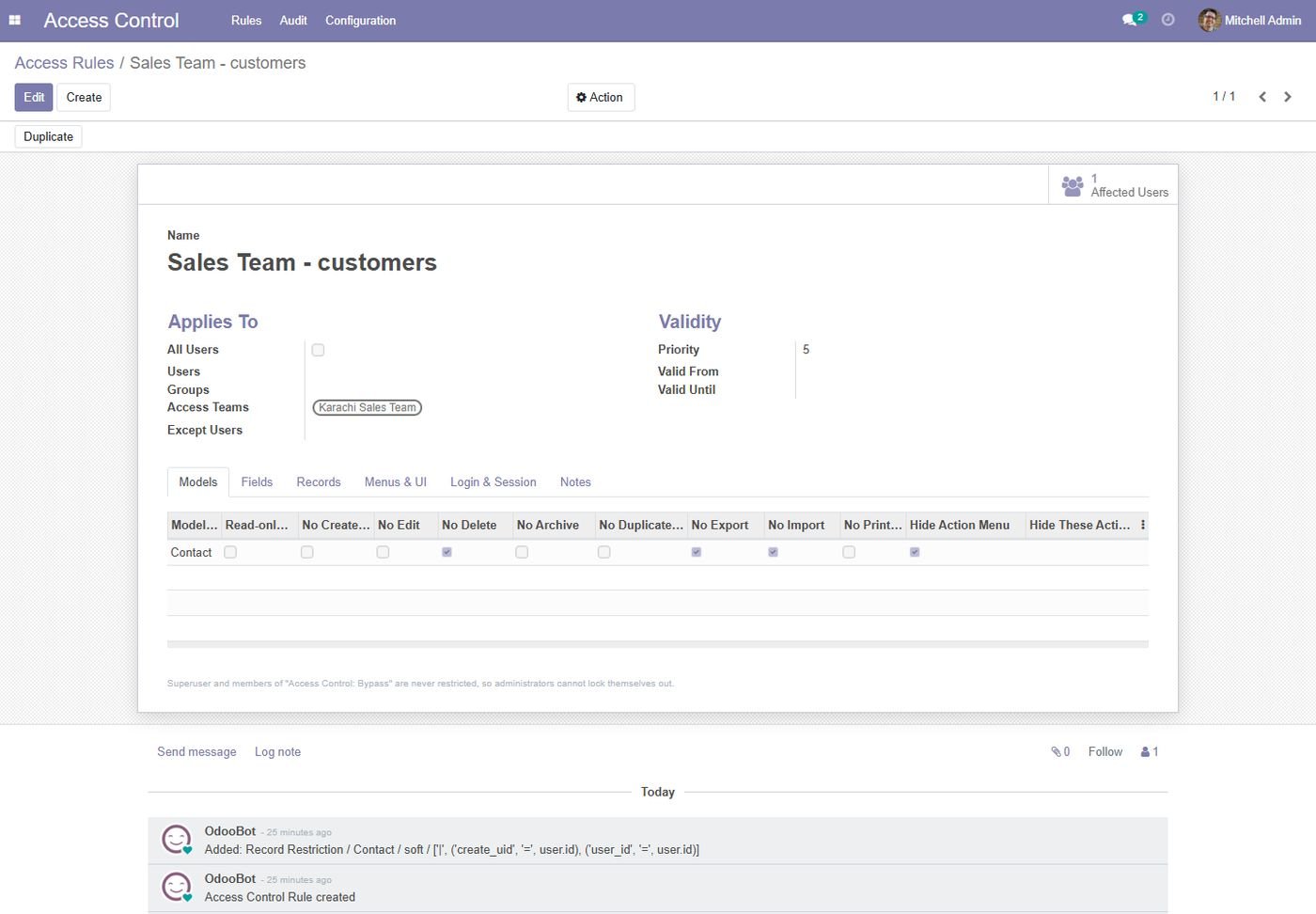
The same screen on Odoo 14.
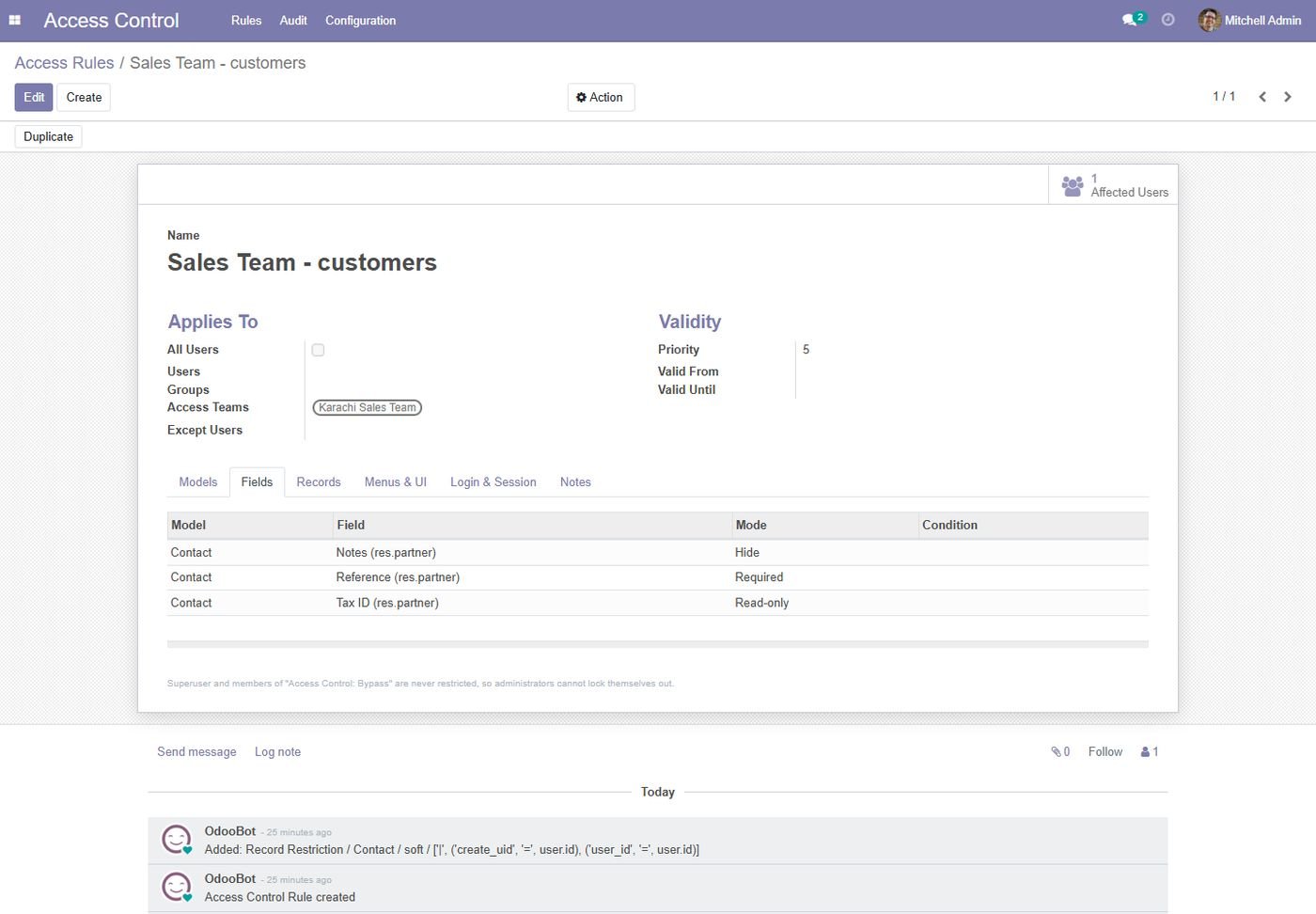
The same screen on Odoo 14.
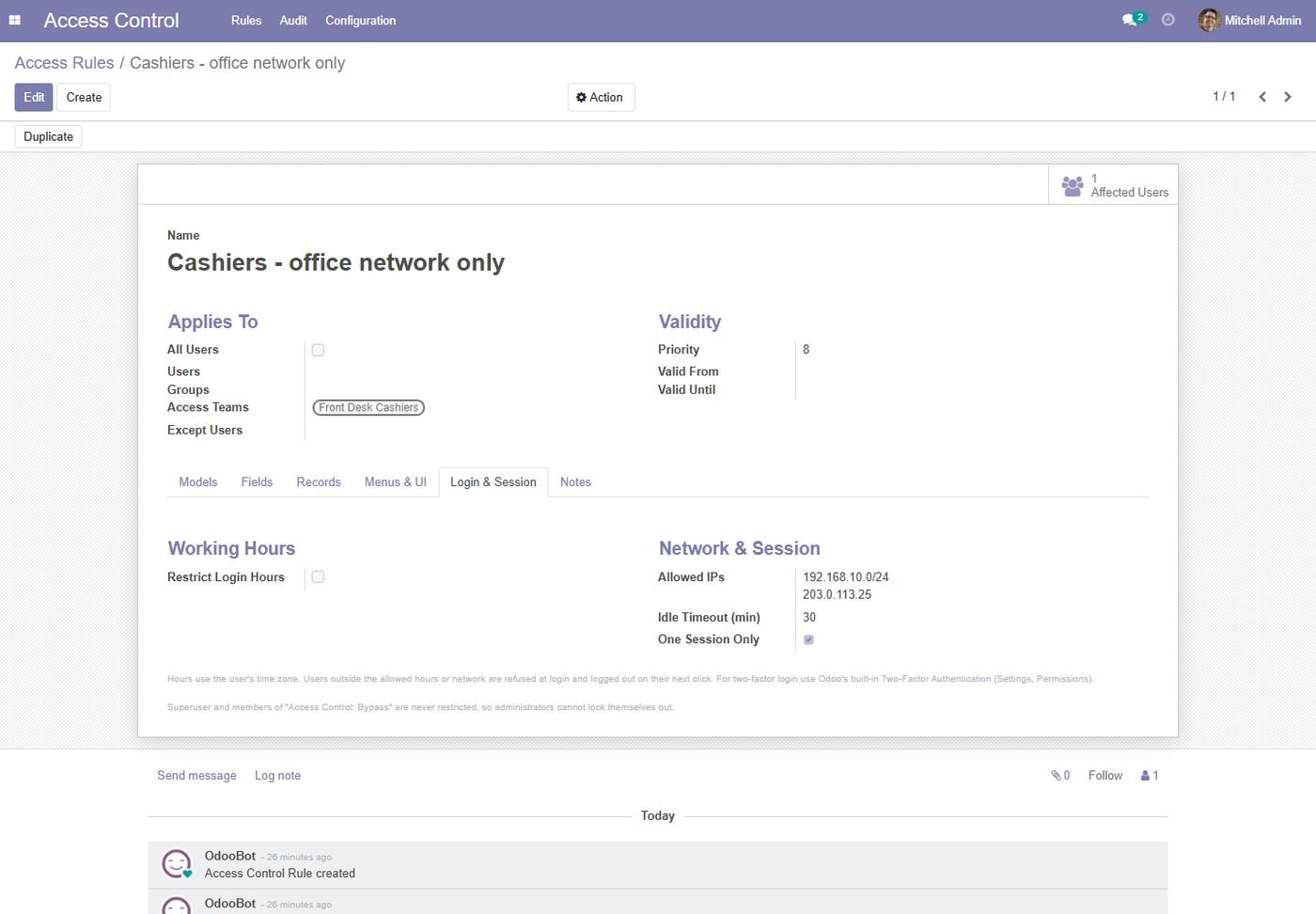
Odoo 14, 15, 16, 17, 18, 19 and 20 (Community and Enterprise). Pick your version on this page.
No. The superuser and the members of the Access Control: Bypass group (the administrator by default) are never restricted.
No. Create, edit, delete, export, import, print, hidden fields, chatter and record rules are all checked on the server, so the API and other modules respect them too.
No. Rules live in their own module. Access teams are separate from technical groups, and record rules are managed automatically.
Yes. Set valid-from and valid-until on the rule, e.g. an external auditor for two weeks.
Select the rules, use Action > Export Rules (JSON) and import the file in the other database. Users are matched by login, groups and menus by technical name.
Use Odoo's built-in two-factor authentication together with this module's login hours, IP whitelist and session rules.
Yes. Free installation and help configuring your first rules. Email supportline.app@gmail.com or WhatsApp +92 302 1980998.
User Access Rights, Permissions & Security: restrict menus, fields, buttons, views & reports per user, group or profile with domain-based rules.
Richer website signup on Odoo Community: phone, company, VAT and full address captured at registration, required fields you choose, terms acceptance, newsletter opt-in and a sales follow-up for every new account.
The Force Uninvited Users to Use a Good Email for Signup module enhances the security of the signup process in Odoo. It ensures that users who are not officially invited must register using a valid and professional email address. The module prevents fake, temporary, or improperly formatted email addresses, reducing spam accounts and improving data quality.
Book a free consultation and we'll help you pick the right modules for your workflow.

