
Inventory & Logistics Community

Manufacturing Barcode Scanner

Process manufacturing orders with a barcode scanner on Odoo Community: scan the order, the components and the finished product, then close the order, without the Enterprise Barcode app.

$18.77 USD
Choose your Odoo version
Ask a question
Built by an Odoo partner Initial setup support Download link by email
Manufacturing Barcode Scanner
What's included

Key features

1

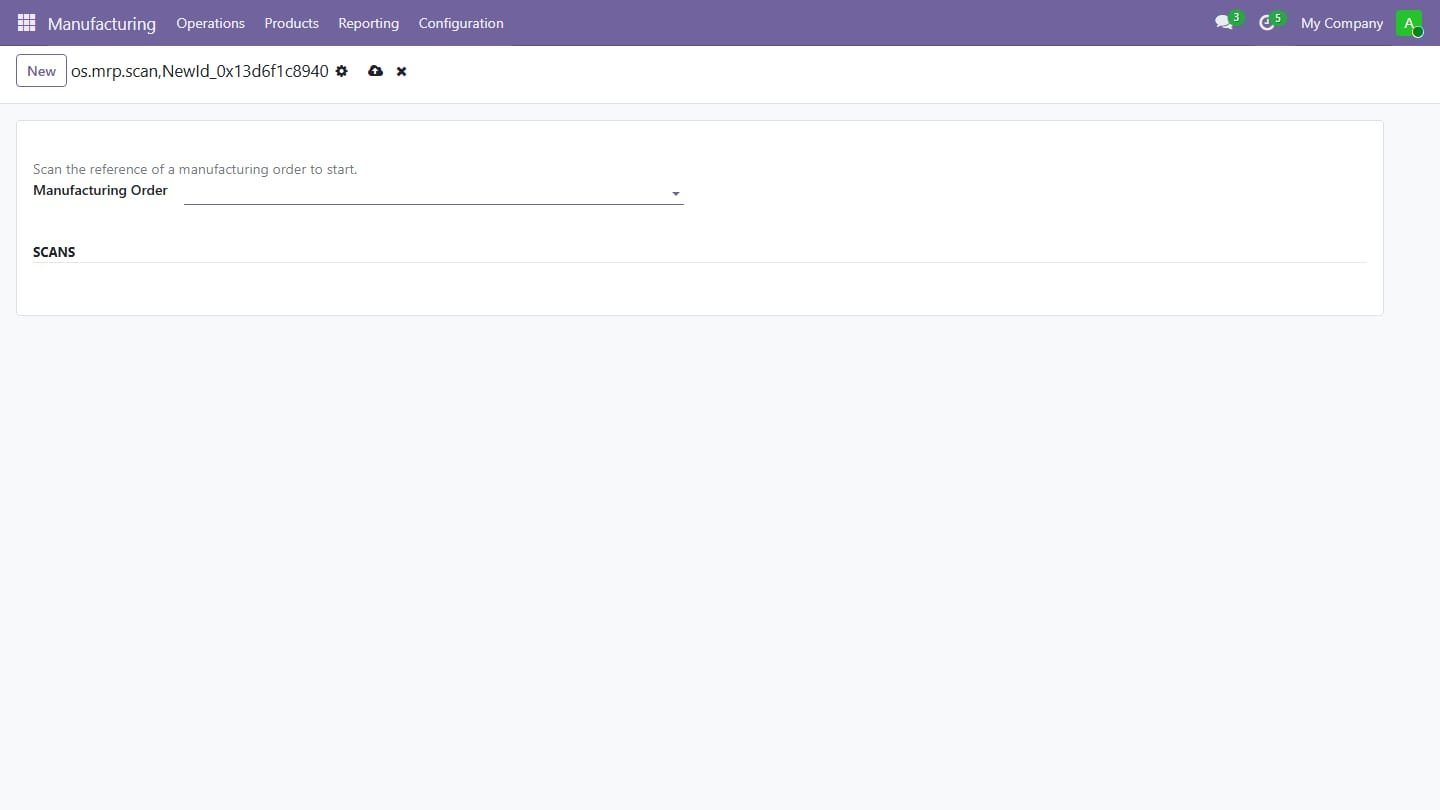
Scanner screen for the shop floor

Scanner screen for the shop floor: scan a manufacturing order reference to open it

2

Scan component barcodes to

Scan component barcodes to record consumed quantities (one per scan, or type a quantity first)

3

Scan the finished product

Scan the finished product barcode to count produced units

4

Warnings for unknown barcodes

Warnings for unknown barcodes and components that are not in the order

5

Produce all and Mark

Produce all and Mark as Done buttons, scan history on the screen

Inside the module

Screenshots

Real screens from Manufacturing Barcode Scanner — click any image to see it full size.

Step 1

Scanner screen

Scan the manufacturing order, the components and the finished product, then mark it done.

Scanner screen
Common questions

Questions aboutthis module.

Something else? Ask our team.

This build is for Odoo 18. Need it for another version? Contact us and we will let you know when it is available.

Yes. Every purchase includes free deployment — after payment our team installs and sets up the module on your Odoo.

It builds on these Odoo apps: stock_barcode, mrp.

Not sure it's theright fit?

Book a free consultation and we'll help you pick the right modules for your workflow.