Productivity & Tools Community

XML Field Mapper

This is the only truly universal dynamic XML importer available for Odoo. This module allows you to import any arbitrary XML file directly into any Odoo model, with a simple visual field mapping interface. No coding required, no hardcoded schemas, no custom parser needed. Simply upload any XML file, the module will automatically scan and detect the full structure of the file, then you simply map XML tags to Odoo fields and run the import. The module also includes full automatic type conversion, intelligent error handling, detailed import reports and complete data validation before import.

$14.11 USD
Choose your Odoo version
Ask a question
Built by an Odoo partner Initial setup support Download link by email
XML Field Mapper
What's included

Key features

1

Import Any XML File

Works out of the box with any standard well formed XML file

2

Automatic Structure Detection

automatically scans and parses the full structure of any uploaded XML

3

Clean Visual Mapping Interface

Simple modern interface to map XML tags directly to Odoo fields

4

Automatic Type Conversion

Automatically converts values to boolean, integer, float and even many2one fields

5

Detailed Import Reporting

Full report shows successful records and complete details of all errors

Inside the module

Screenshots

Real screens from XML Field Mapper — click any image to see it full size.

Step 1

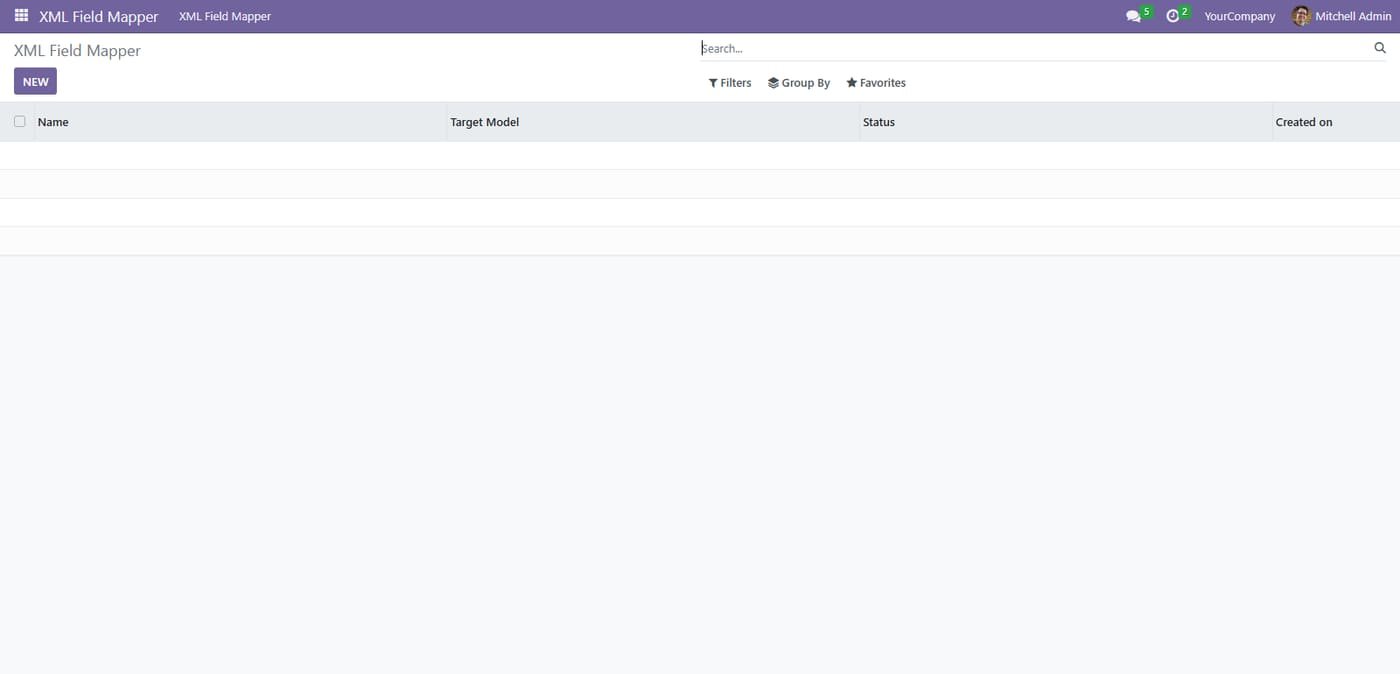
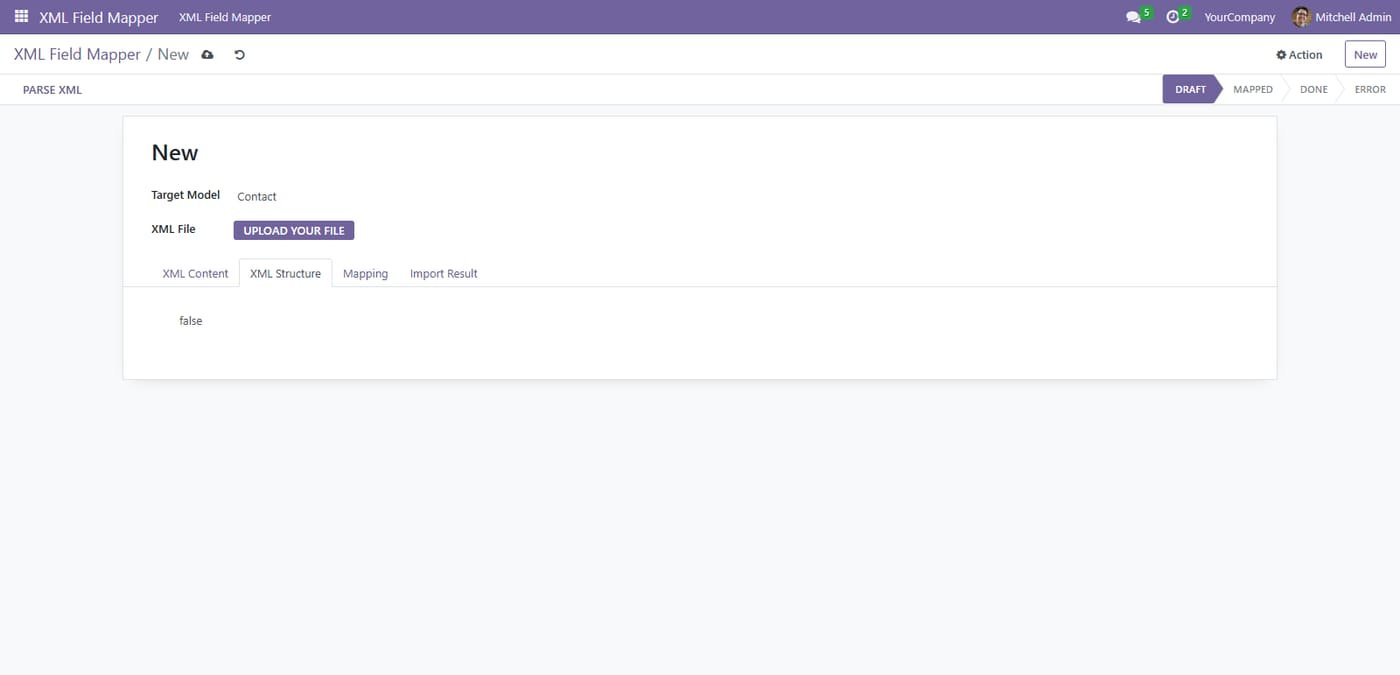
Clean 100% native Odoo interface. Follows all official Odoo design guidelines

Clean 100% native Odoo interface. Follows all official Odoo design guidelines
Step 2

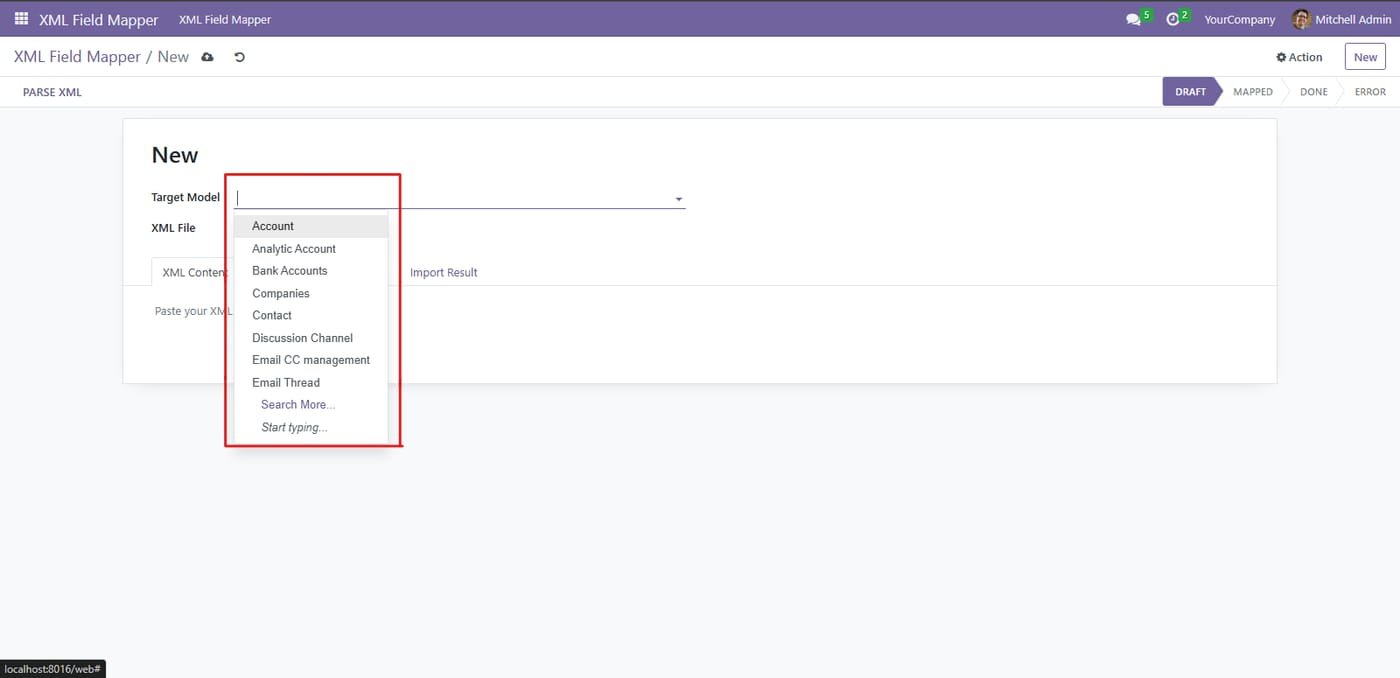
Import directly into any standard Odoo model. Pre-optimized for Products, Contacts, Sales Orders and Purchase Orders

Import directly into any standard Odoo model. Pre-optimized for Products, Contacts, Sales Orders and Purchase Orders
Step 3

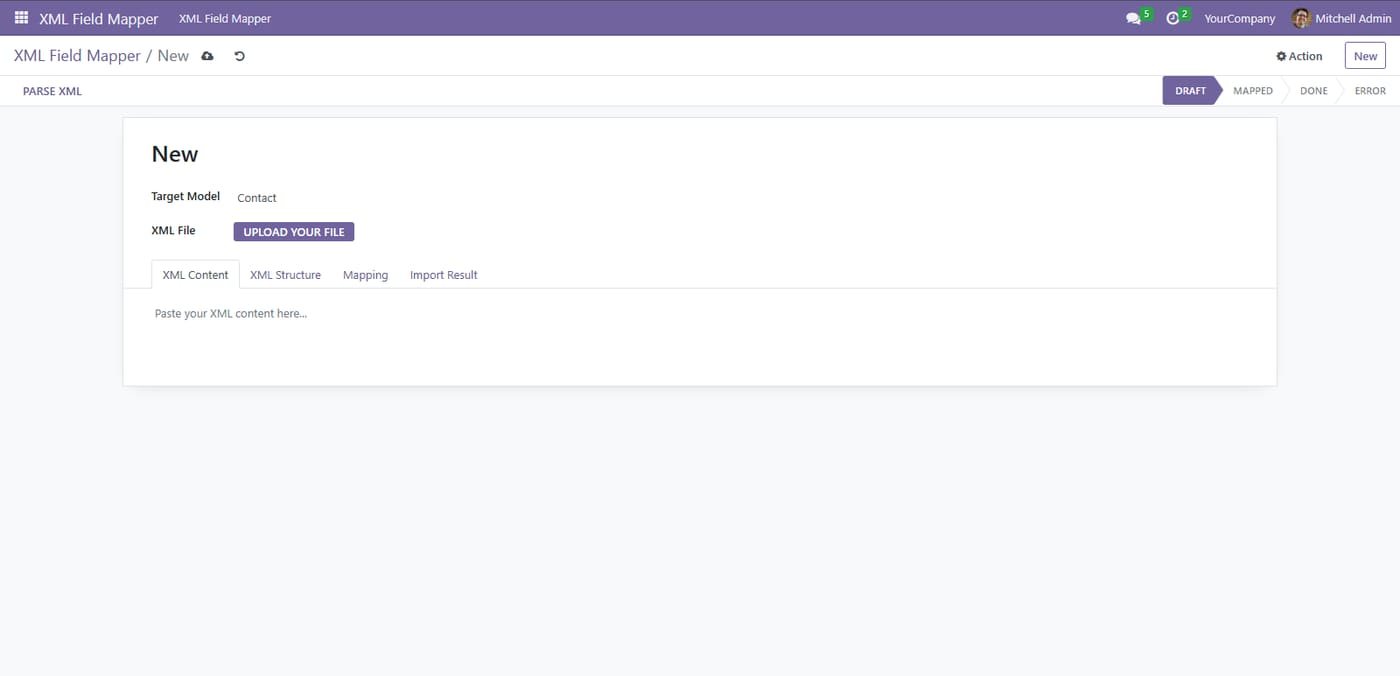
Dual Input Mode: You can either upload an XML file OR directly paste raw XML content

Dual Input Mode: You can either upload an XML file OR directly paste raw XML content
Step 4

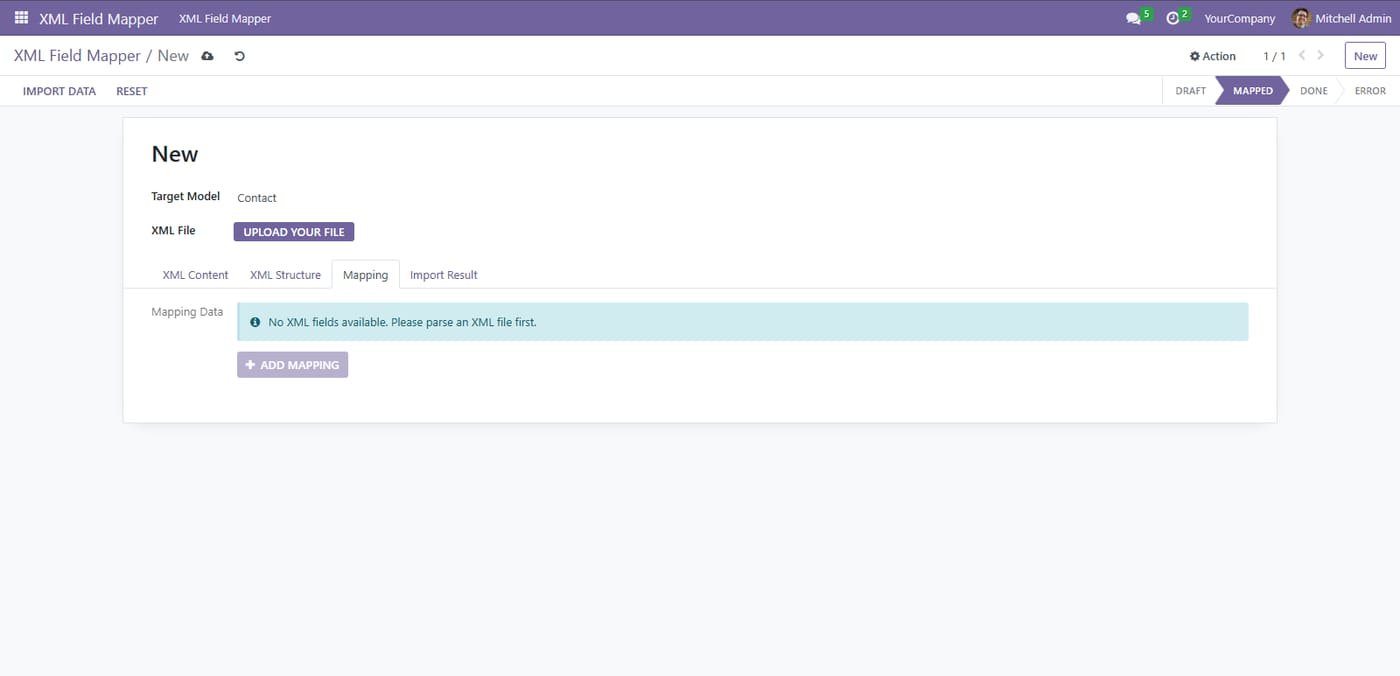
Clean helpful user interface with clear instructions at every step

Clean helpful user interface with clear instructions at every step
Step 5

Simple step by step status bar guides you through the complete import workflow

Simple step by step status bar guides you through the complete import workflow
Common questions

Questions aboutthis module.

Something else? Ask our team.

This build is for Odoo 18. Need it for another version? Contact us and we will let you know when it is available.

Yes. Every purchase includes free deployment — after payment our team installs and sets up the module on your Odoo.

It builds on these Odoo apps: base, product, sale, web.

Not sure it's theright fit?

Book a free consultation and we'll help you pick the right modules for your workflow.