Productivity & Tools Community

Odoo Manufacturing Reports

This module extends the standard Odoo Inventory and Manufacturing capabilities by introducing a suite of Custom Reports. Designed to enhance decision making, it allows users to generate specific date range based reports for Products, Finished Goods, Packing Materials, and Manufacturing processes. The module streamlines data visibility by providing dedicated wizards for filtering data, ensuring that warehouse managers and production planners can track stock movements, raw material consumption, and finished goods production with granular precision.

$76.30 USD
Choose your Odoo version
Ask a question
Built by an Odoo partner Initial setup support Download link by email
Odoo Manufacturing Reports
What's included

Key features

1

Custom Reporting Menu

2

Wizard Based Filtering

3

Segmented Reporting

Separate detailed reports for: Product Wise Details: Deep dive into specific item history. Finished Goods: Tracking final output from production. Packing Materials Monitoring auxiliary material usage.

4

Manufacturing Analysis

A comprehensive view of manufacturing orders (MOs) showing Raw Material input vs. Finished Good output, with capabilities to filter by specific components.

5

Drill Down Capability

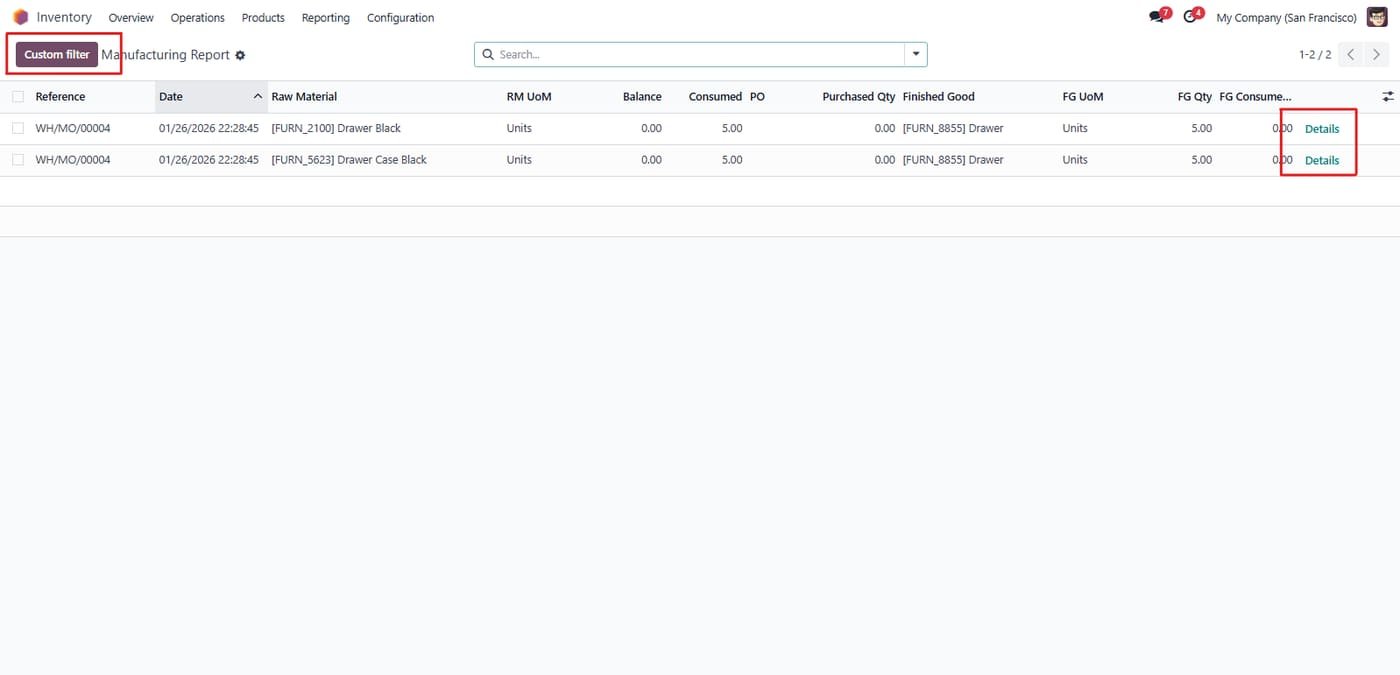
Details buttons allow users to view specific transaction lines within a broader report.

Inside the module

Screenshots

Real screens from Odoo Manufacturing Reports — click any image to see it full size.

Step 1

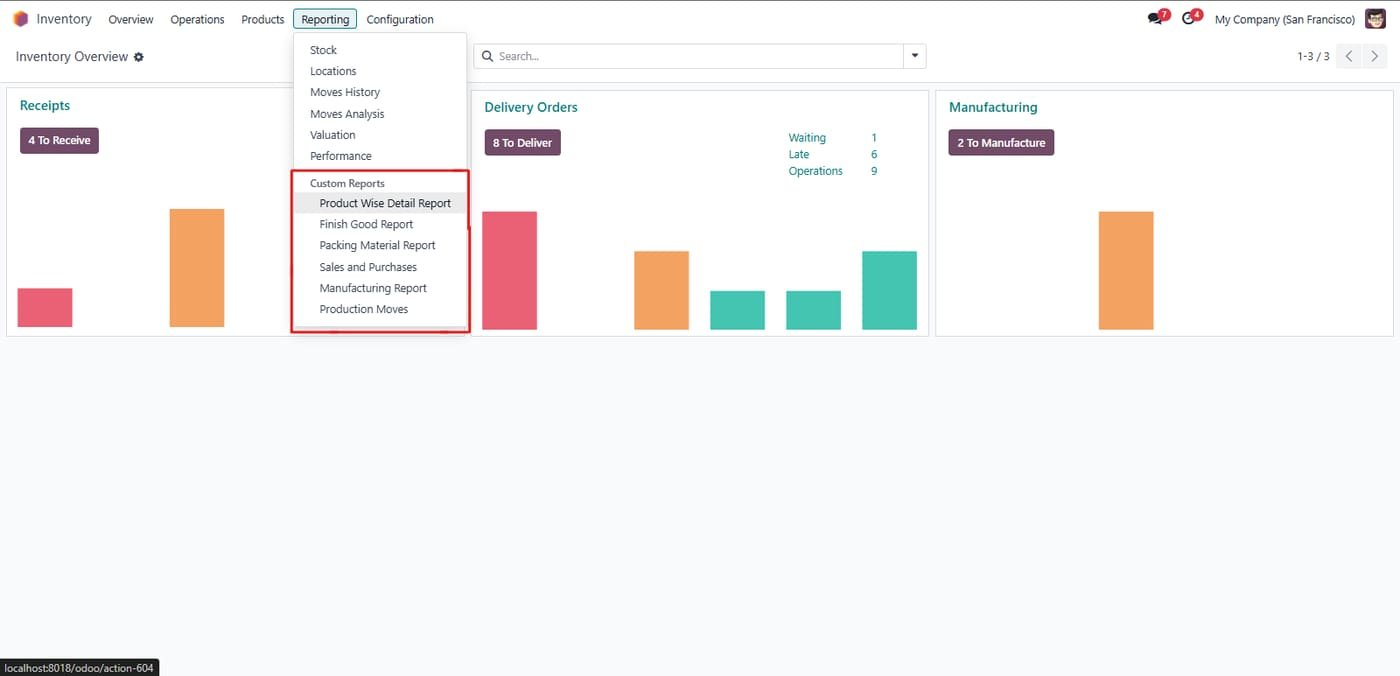
Custom inventory reports menu

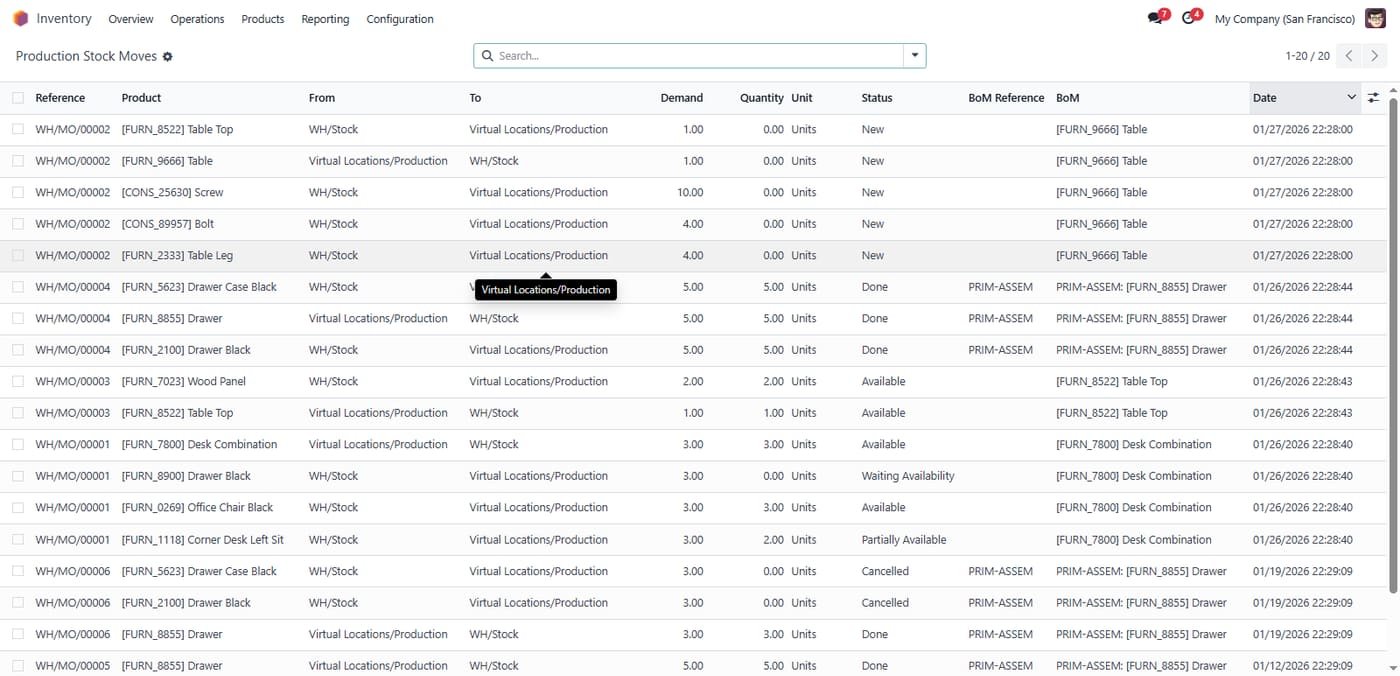
Product-wise detail, finished goods, packing material, sales & purchases, manufacturing and production move reports.

Custom inventory reports menu
Step 2

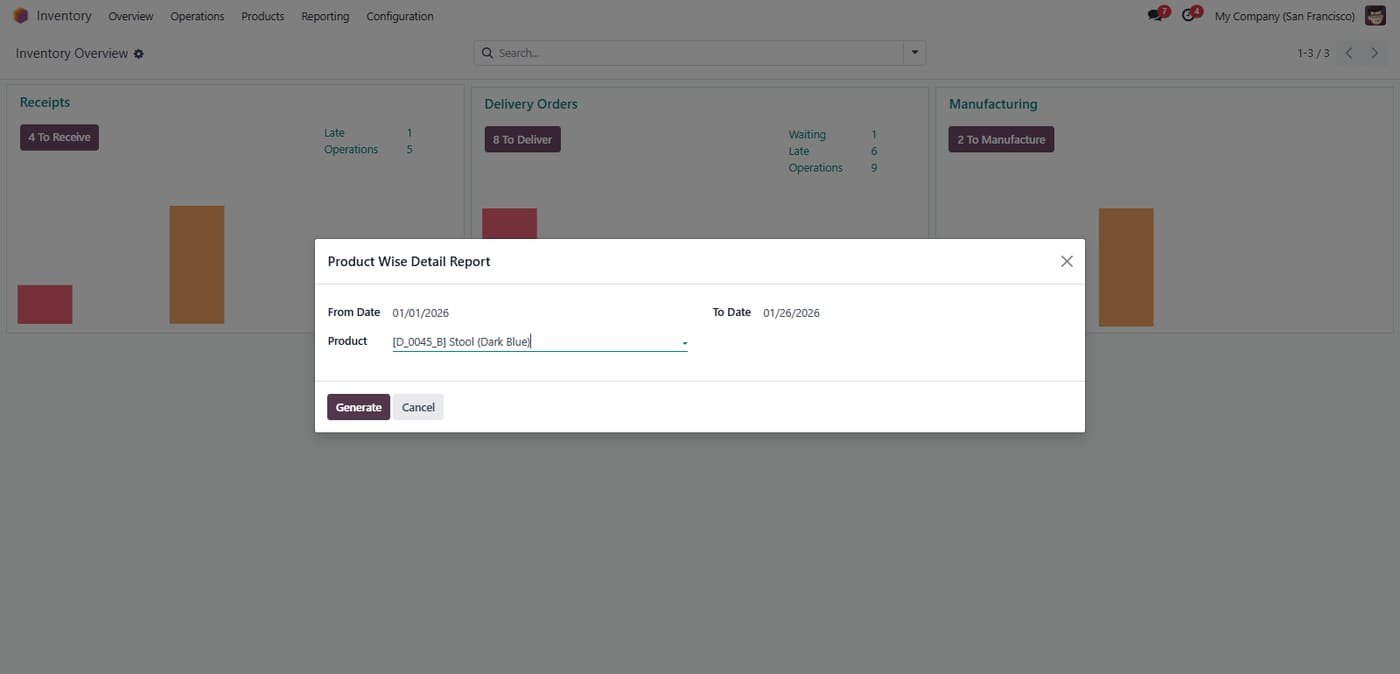
Generating a Product Wise Detail Report by selecting a specific date range and target product (e.g., Stool Dark Blue) via the filter wizard.

Generating a Product Wise Detail Report by selecting a specific date range and target product (e.g., Stool Dark Blue) via the filter wizard.
Step 3

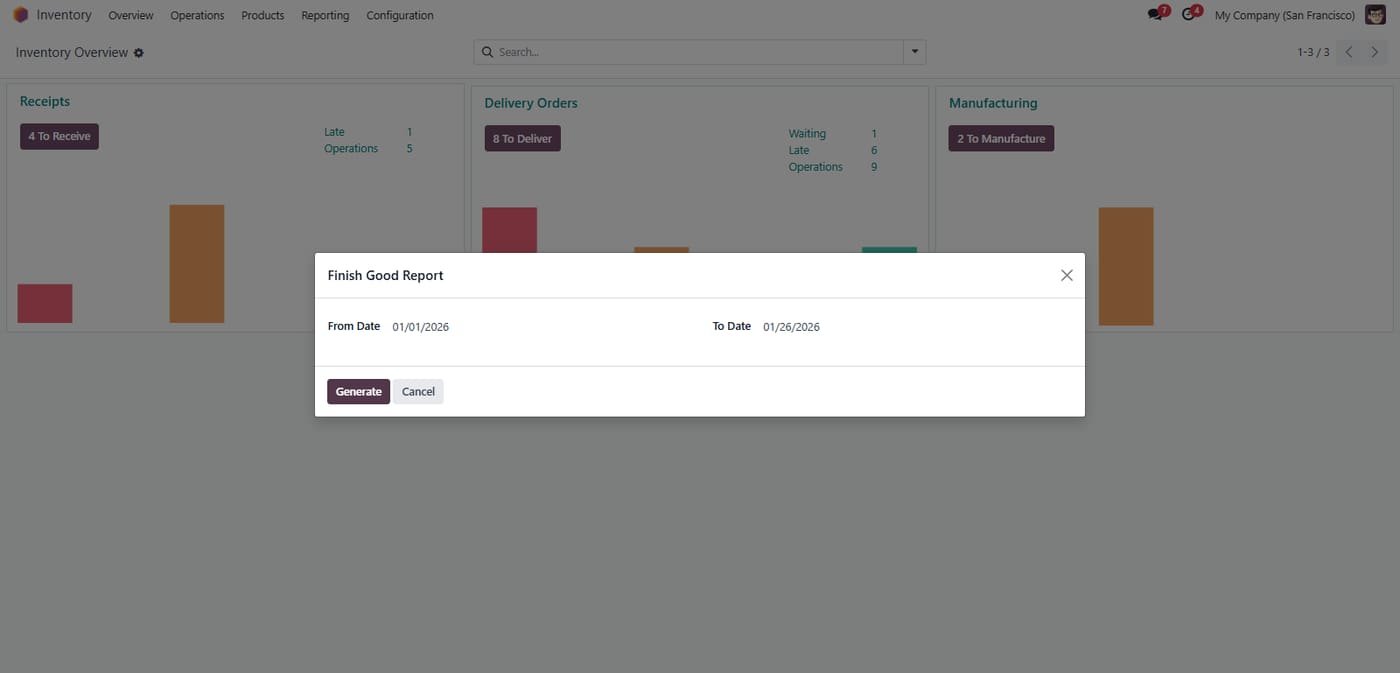
The Finished Good Report wizard allows users to extract production output data for a specific time period.

The Finished Good Report wizard allows users to extract production output data for a specific time period.
Step 4

Generate a report by date

Pick a from and to date, then generate the report.

Generate a report by date
Step 5

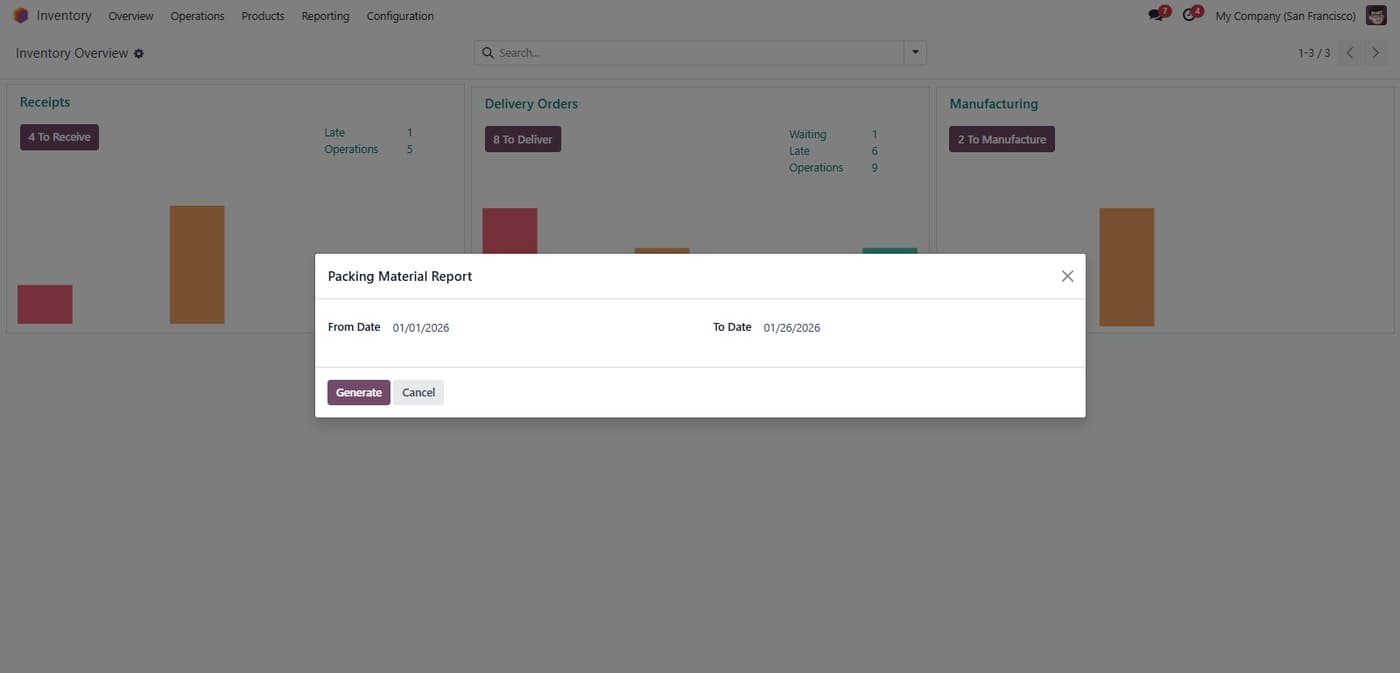
The Packing Material Report interface, designed to track the consumption of packaging resources over a defined date range

The Packing Material Report interface, designed to track the consumption of packaging resources over a defined date range
Step 6

Manufacturing Report list view showing a comparison of Raw Materials vs. Finished Goods, featuring a Details button for indepth analysis of specific orders.

Manufacturing Report list view showing a comparison of Raw Materials vs. Finished Goods, featuring a Details button for indepth analysis of specific orders.
Step 7

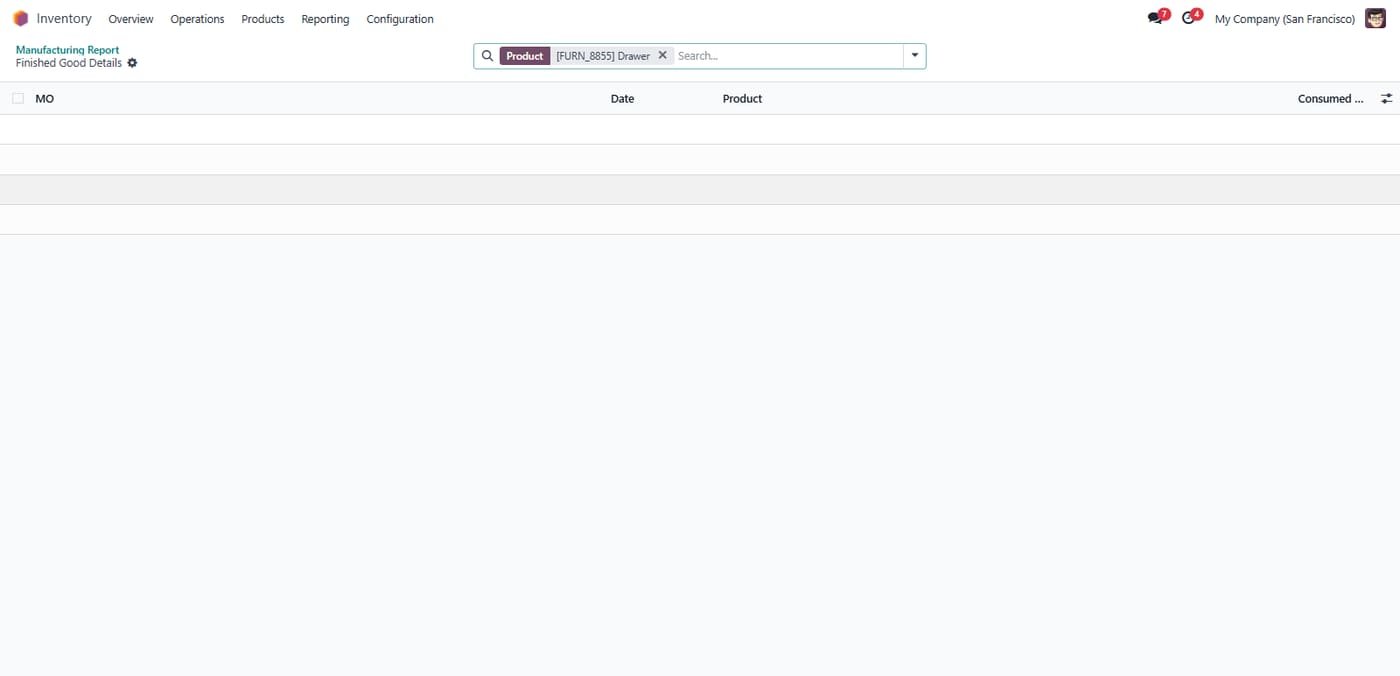
Drill down view showing specific Finished Good Details, allowing users to verify production dates and consumed quantities for individual Manufacturing Orders.

Drill down view showing specific Finished Good Details, allowing users to verify production dates and consumed quantities for individual Manufacturing Orders.
Step 8

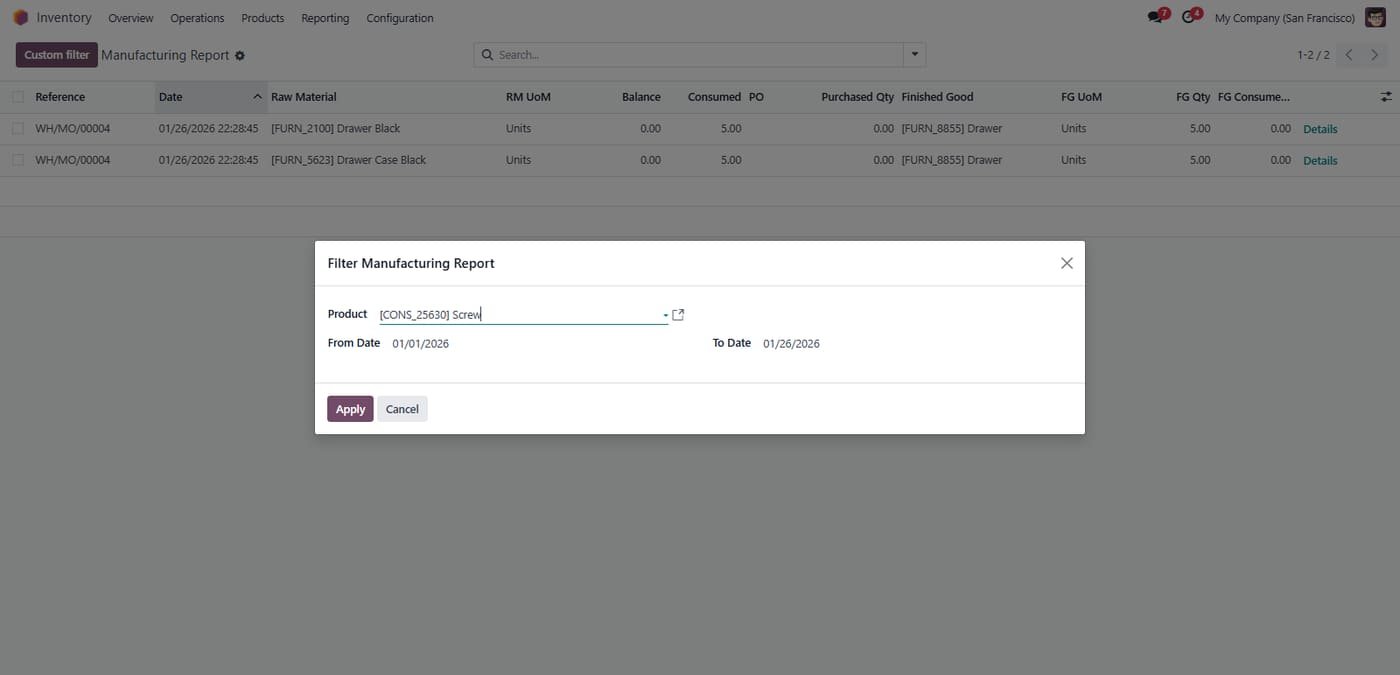
Applying a Custom Filter to the Manufacturing Report to isolate data for specific components (e.g., Screws) within a selected date range.

Applying a Custom Filter to the Manufacturing Report to isolate data for specific components (e.g., Screws) within a selected date range.
Common questions

Questions aboutthis module.

Something else? Ask our team.

This build is for Odoo 18. Need it for another version? Contact us and we will let you know when it is available.

Yes. Every purchase includes free deployment — after payment our team installs and sets up the module on your Odoo.

It builds on these Odoo apps: base, stock, sale_management, contacts, sale, account, mrp.

Not sure it's theright fit?

Book a free consultation and we'll help you pick the right modules for your workflow.